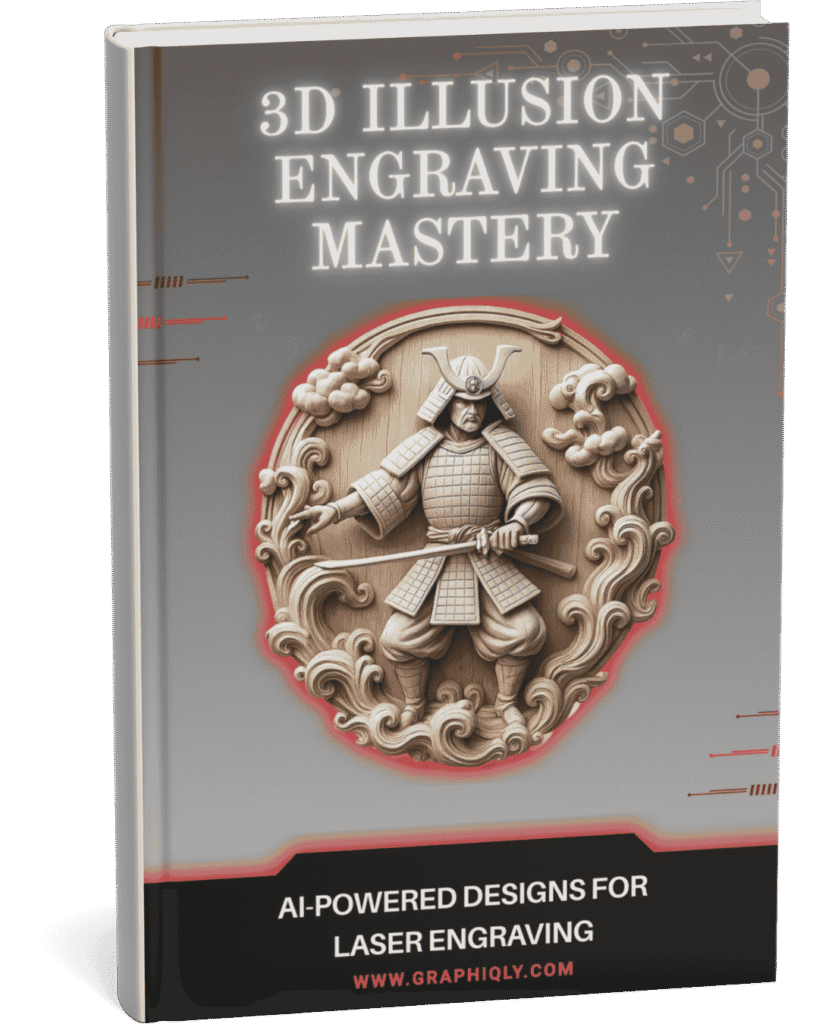
Laser Owners Are Already Creating 3D Illusion Results
See what beginners and experienced laser owners are saying after learning the 3D illusion engraving workflow.
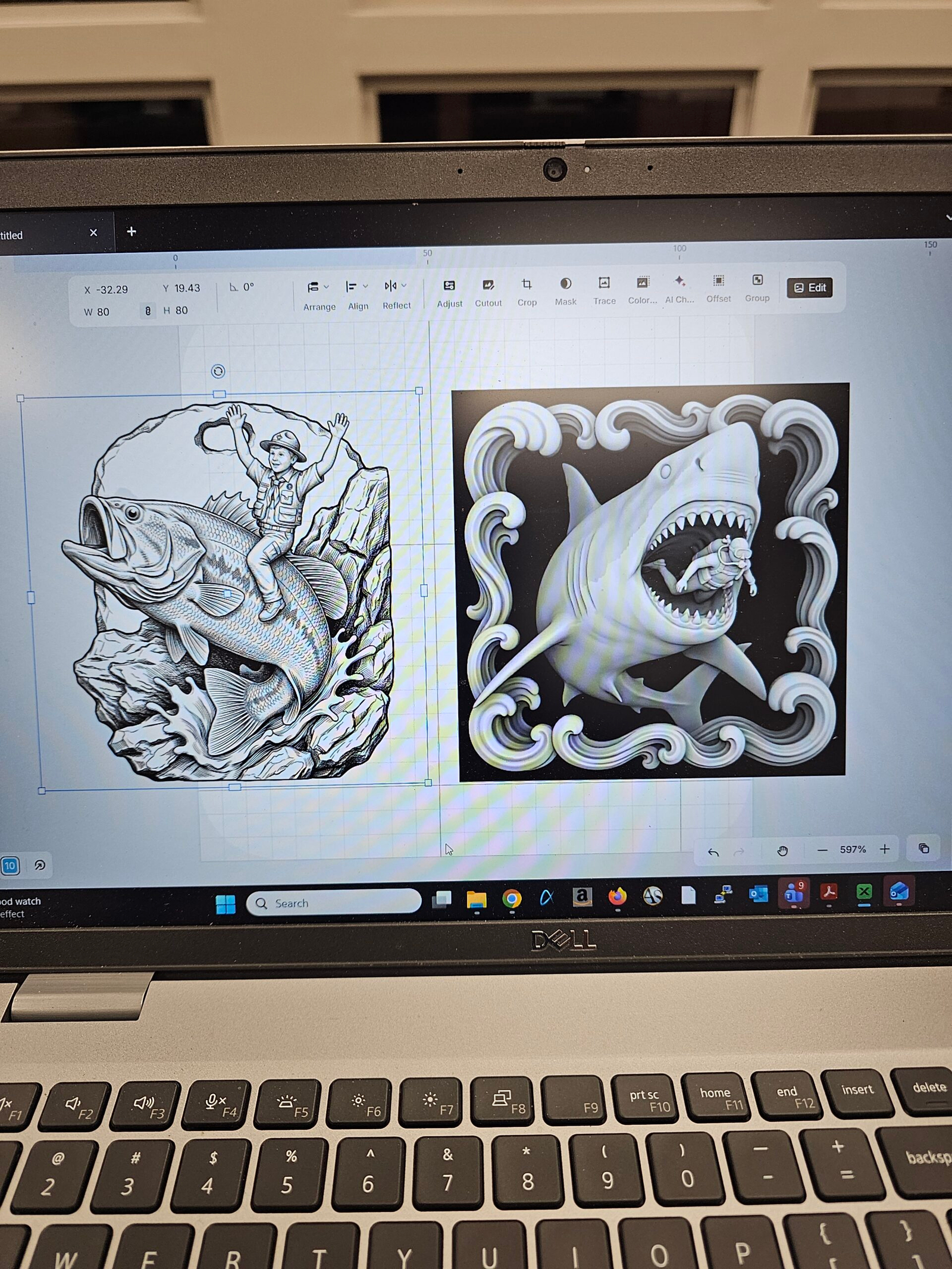
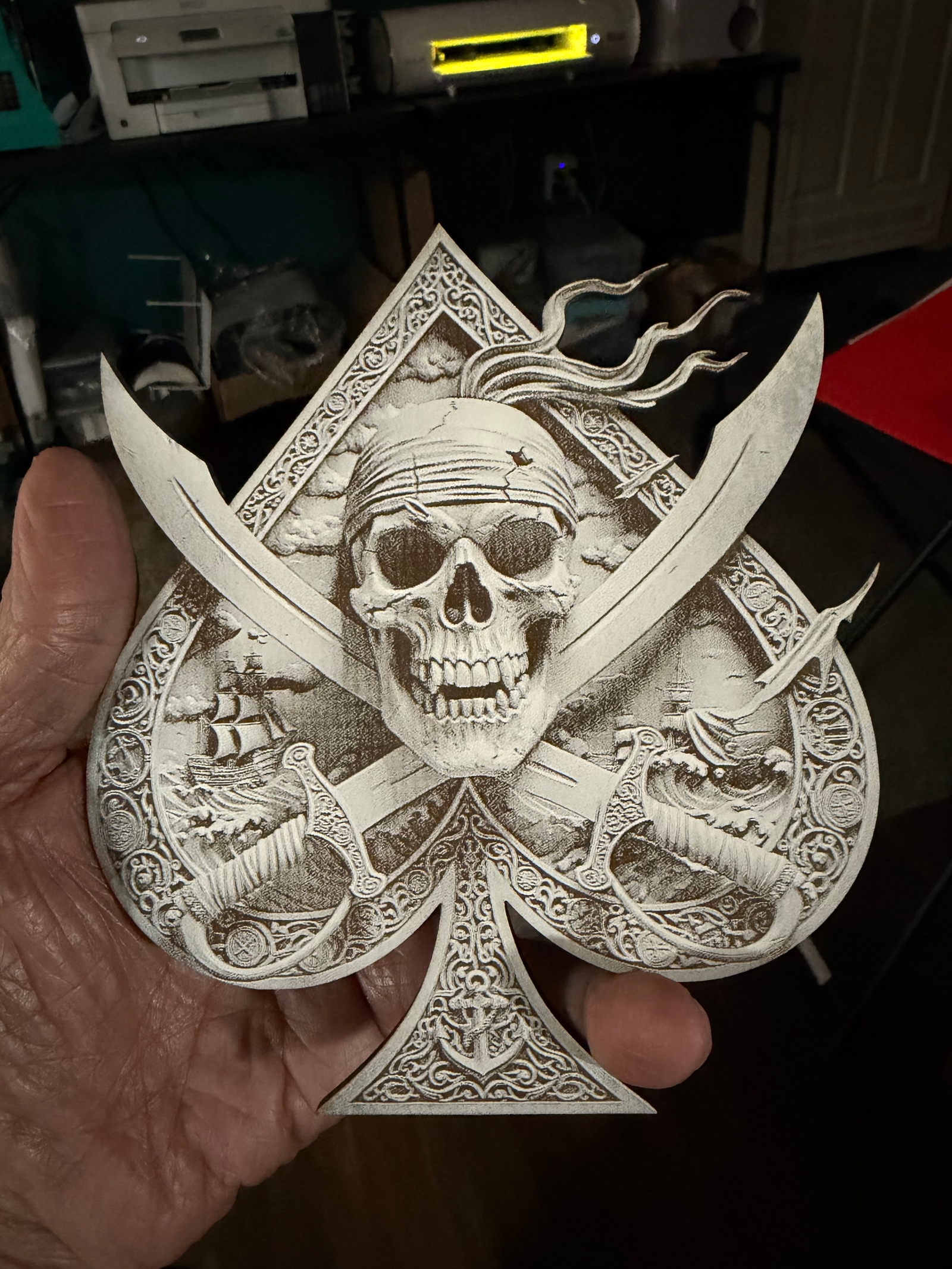
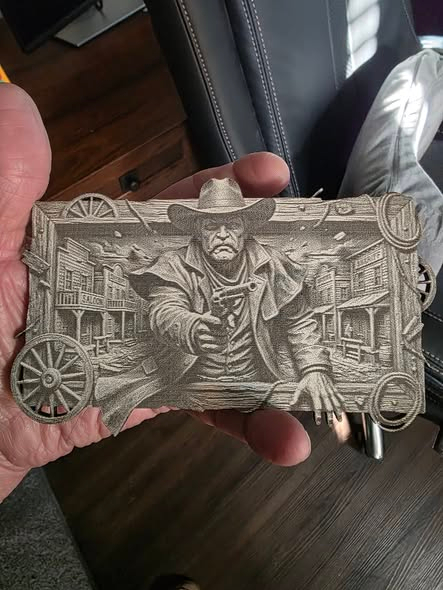
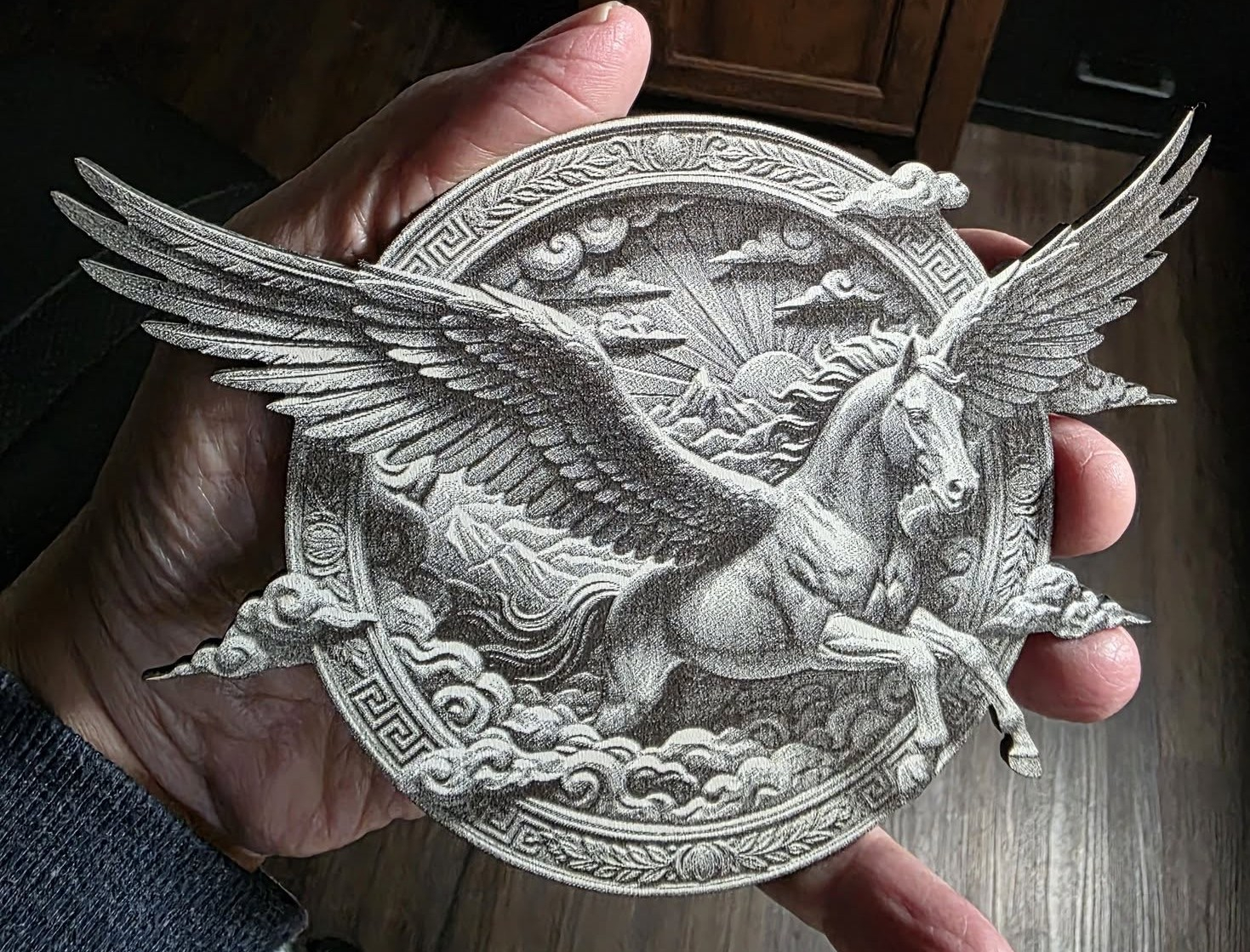
“This course shed a light on the many excellent things my new xTool F2 can produce if run correctly. This is the best $40 I have spent on laser work so far. These are the first two that I created with the right wording, taught in this course.”
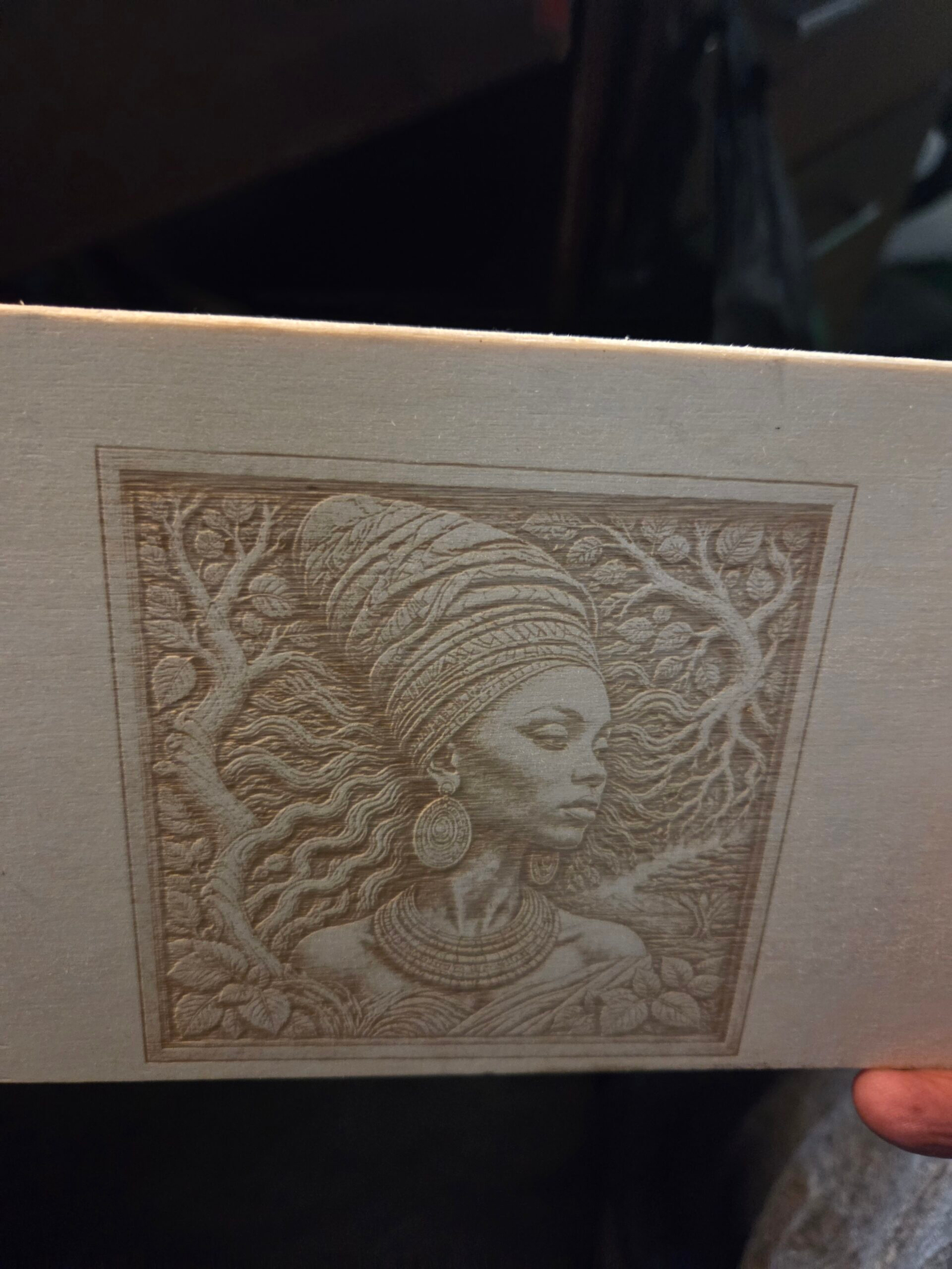
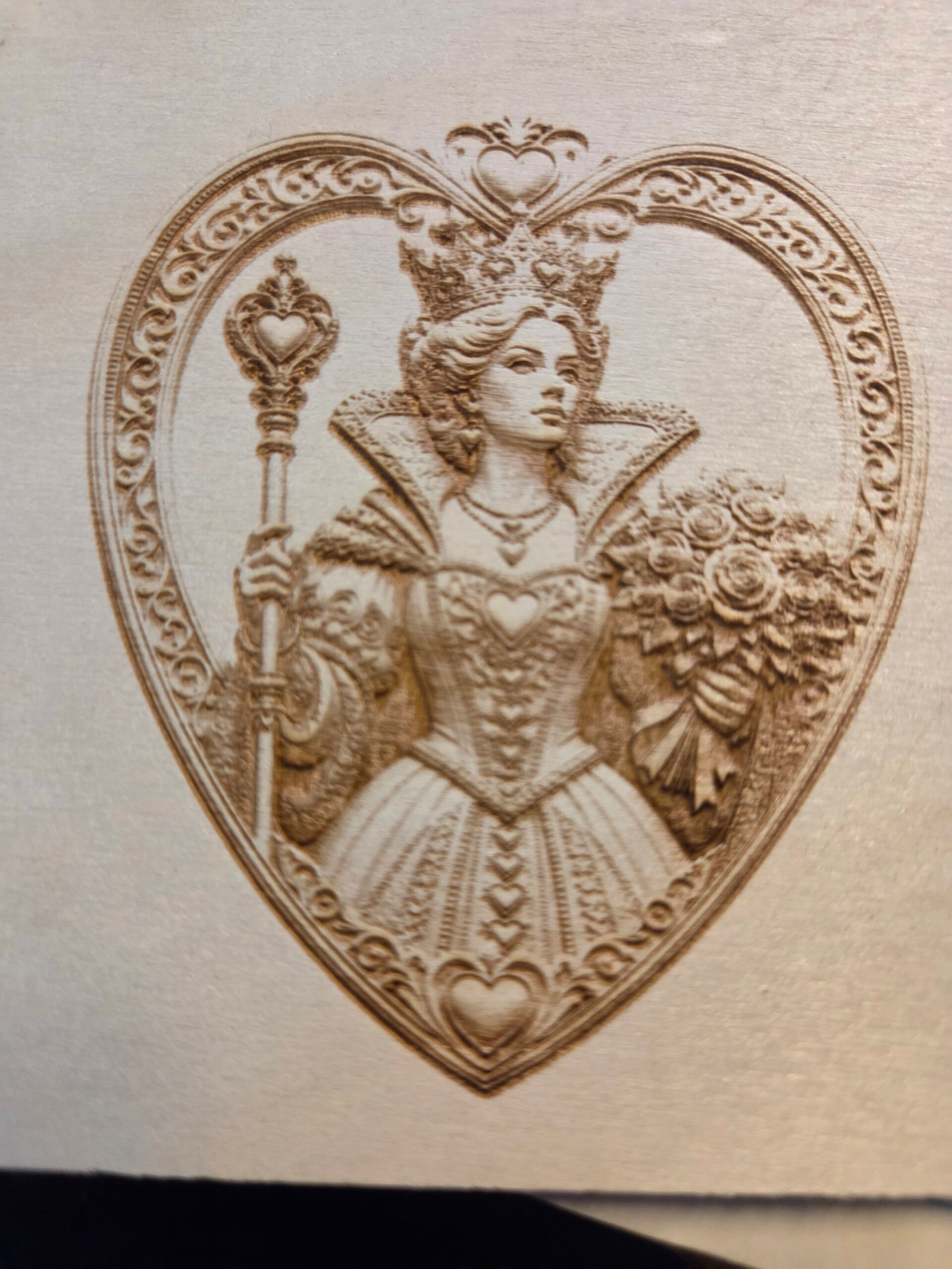
“I am a novice, but I have been impressed with my projects.”
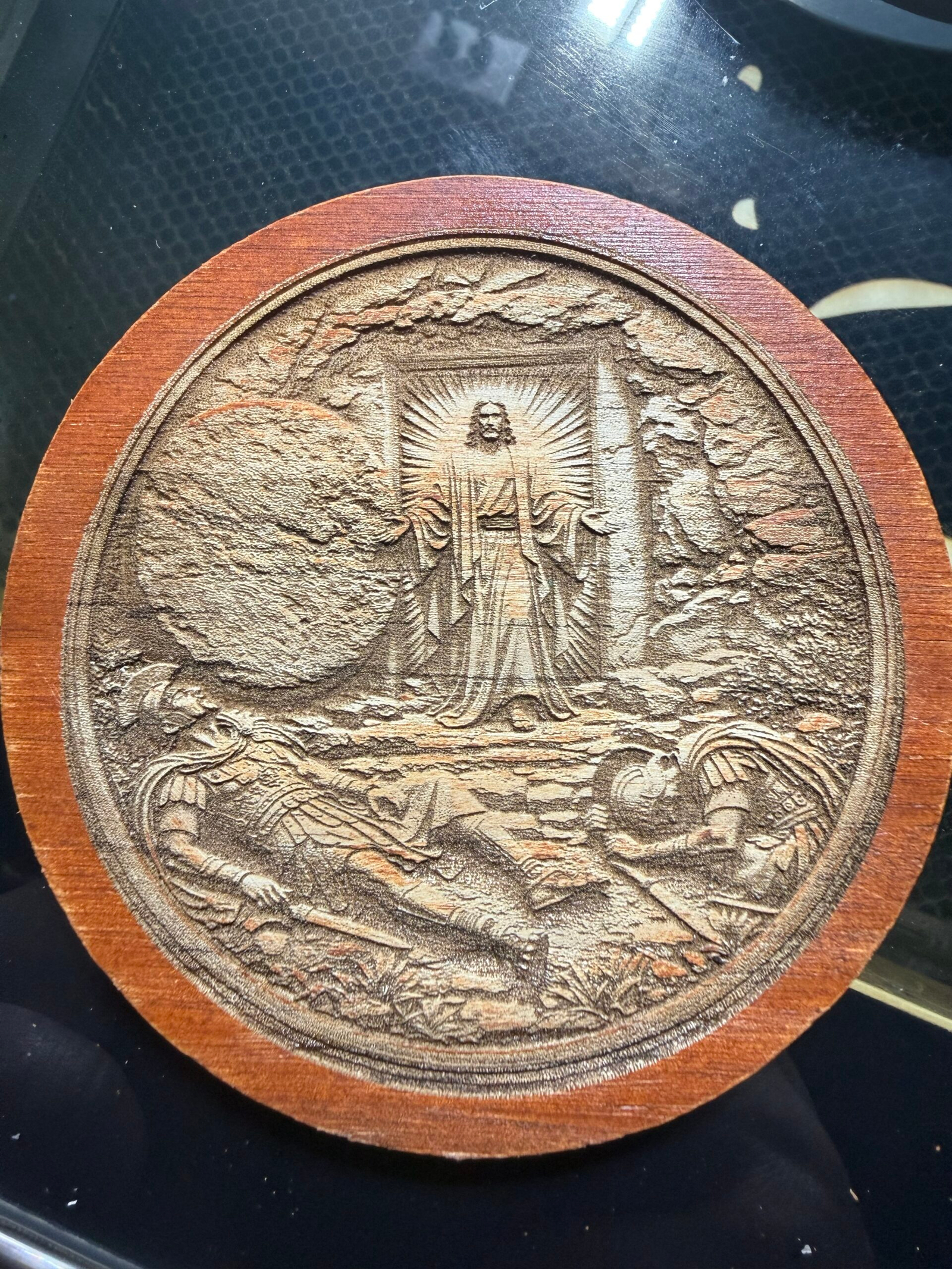
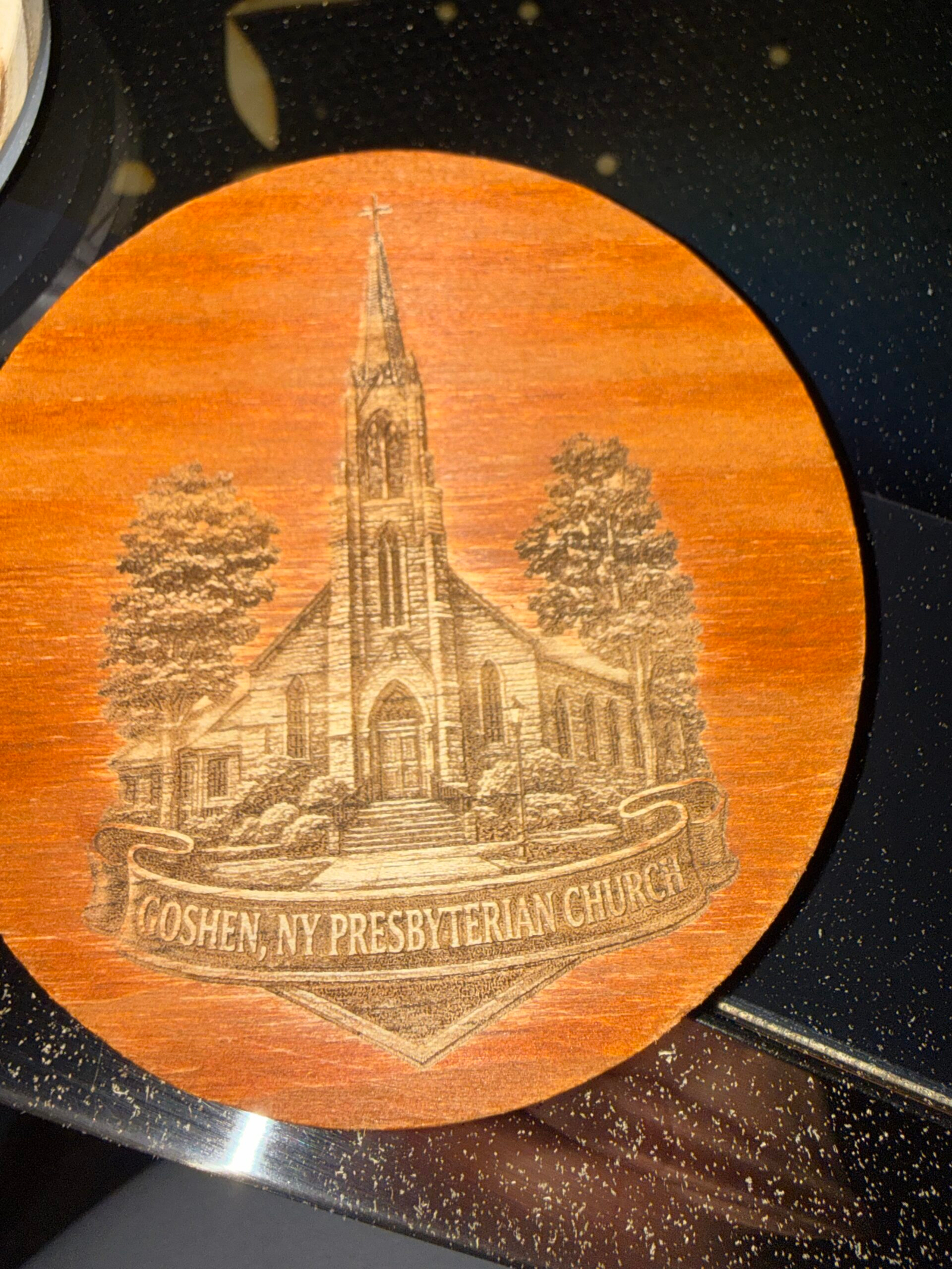
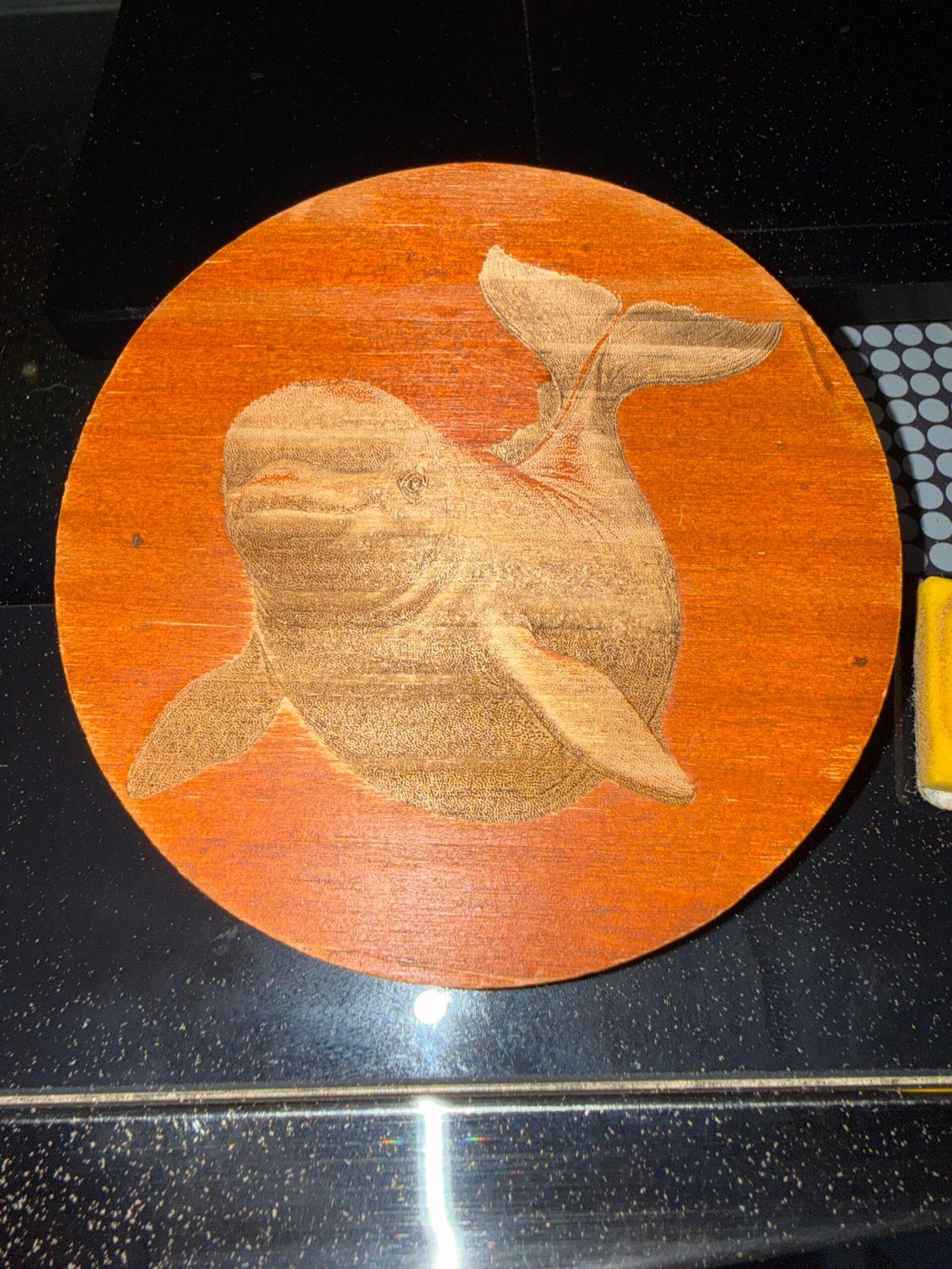
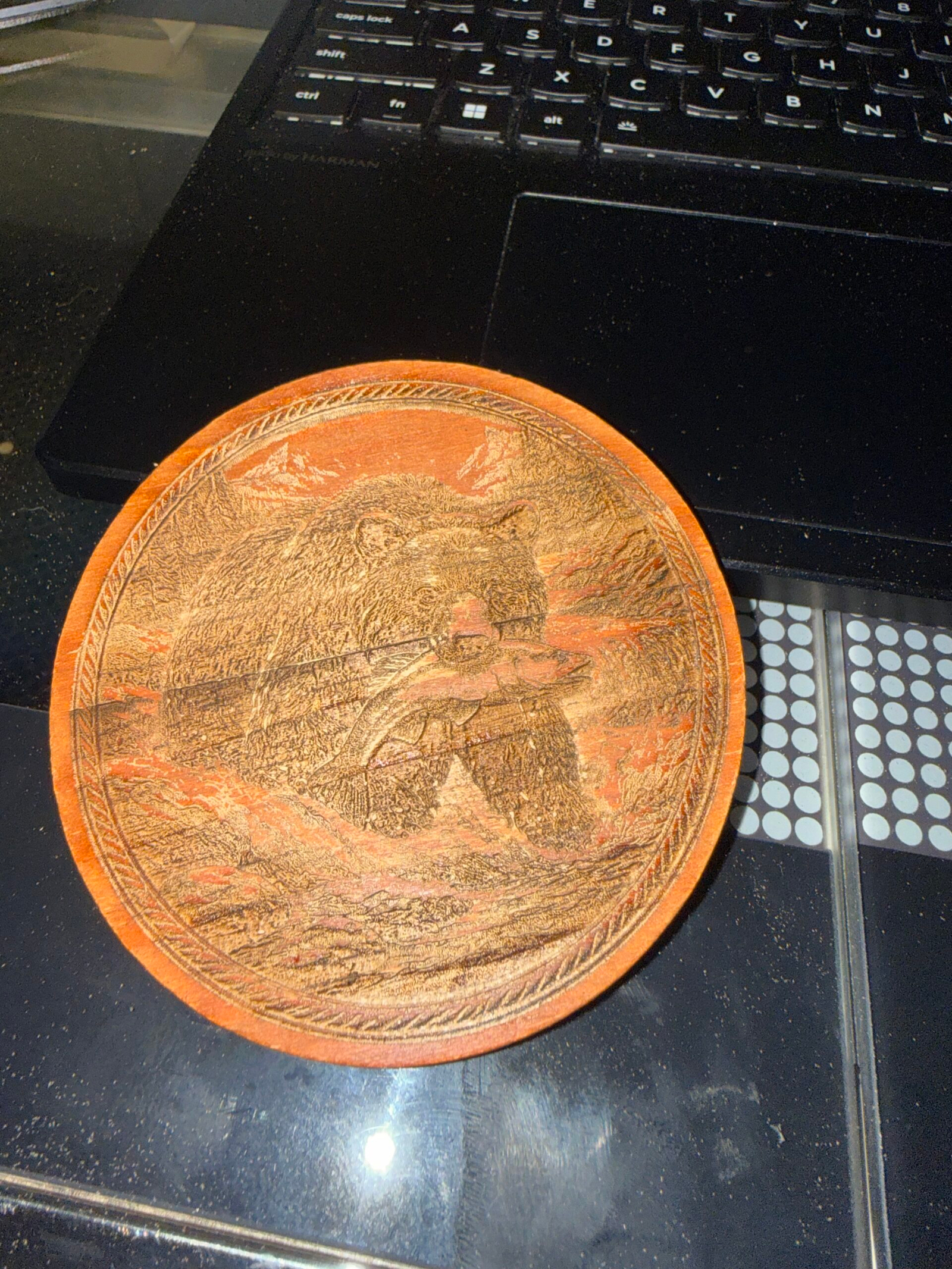
“I’m still working on mastering my prompts in ChatGPT, but I’m already having amazing success and engravings. Highly recommended!”
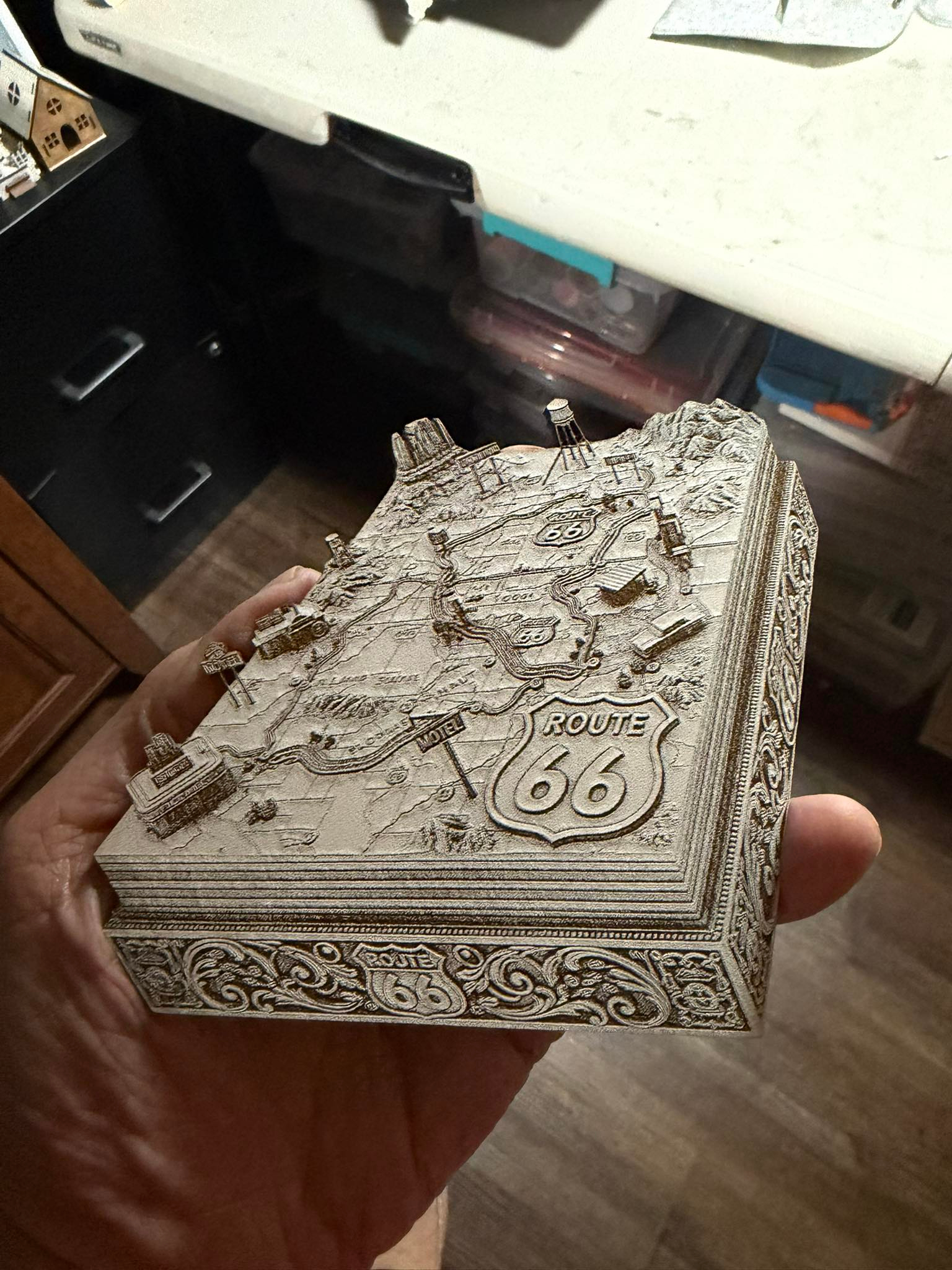
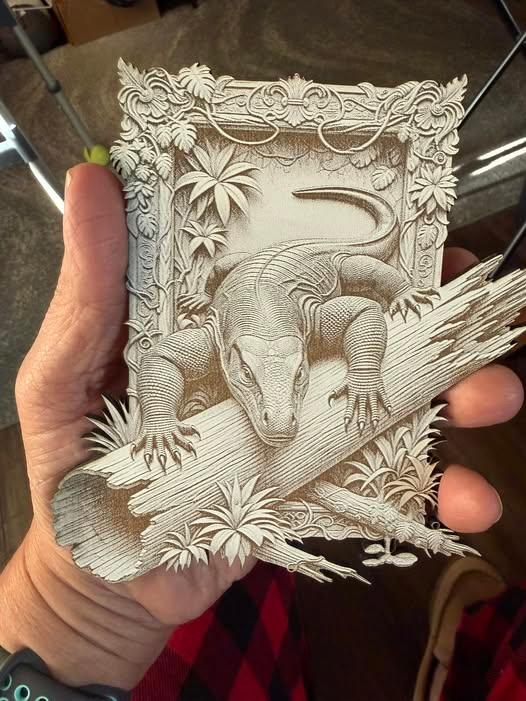
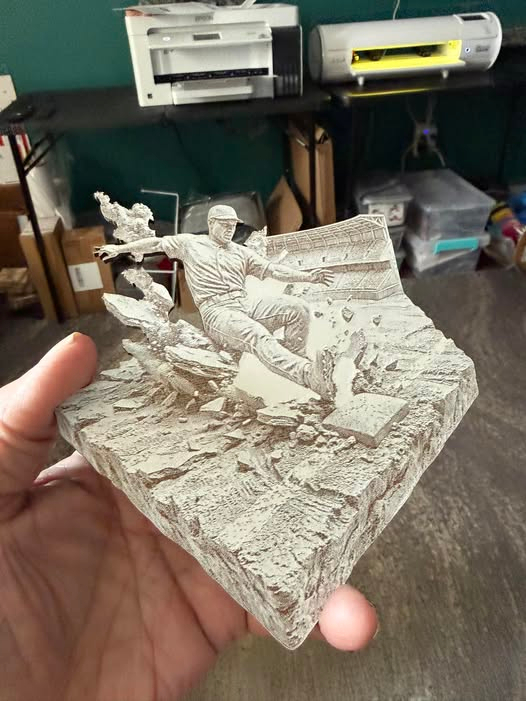
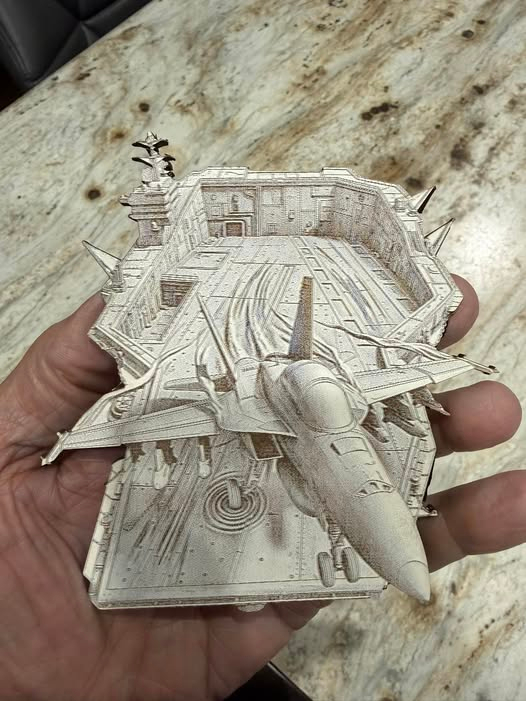
Support That Helps You Move Forward
“I couldn’t have done it without your help and guidance. I really appreciate all the support and suggestions you’ve given me. I’ve purchased many information products over the years, and nobody has provided the level of support that you have. I will highly recommend your course to anyone.”
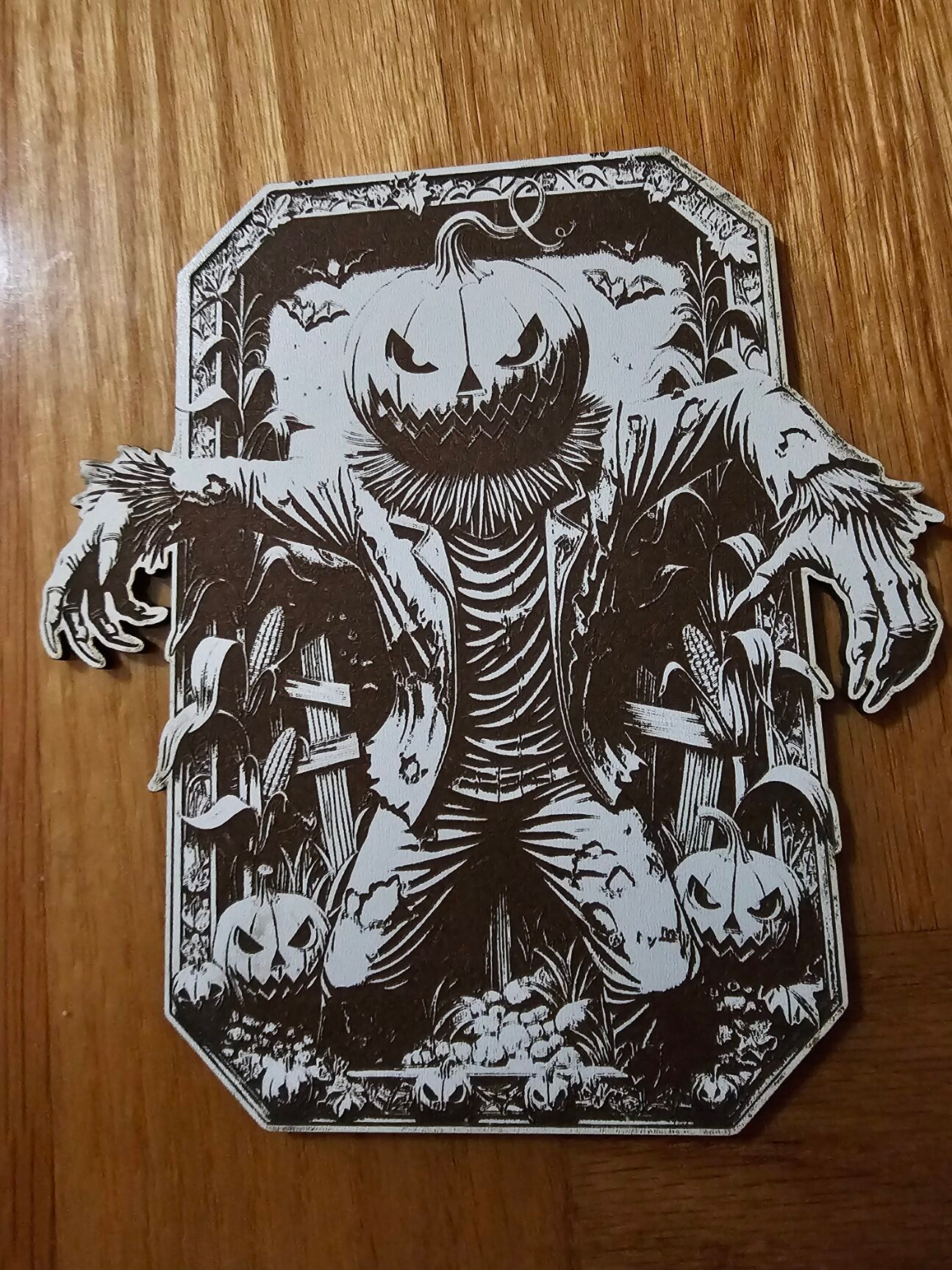
“Being new to laser engraving, I got really excited when I saw the 3D illusions from Graphiqly. The help they provided gave me the guidance to learn rapidly and actually cut a difficult file. Once I understood what Graphiqly was teaching me, I had some massive success.”
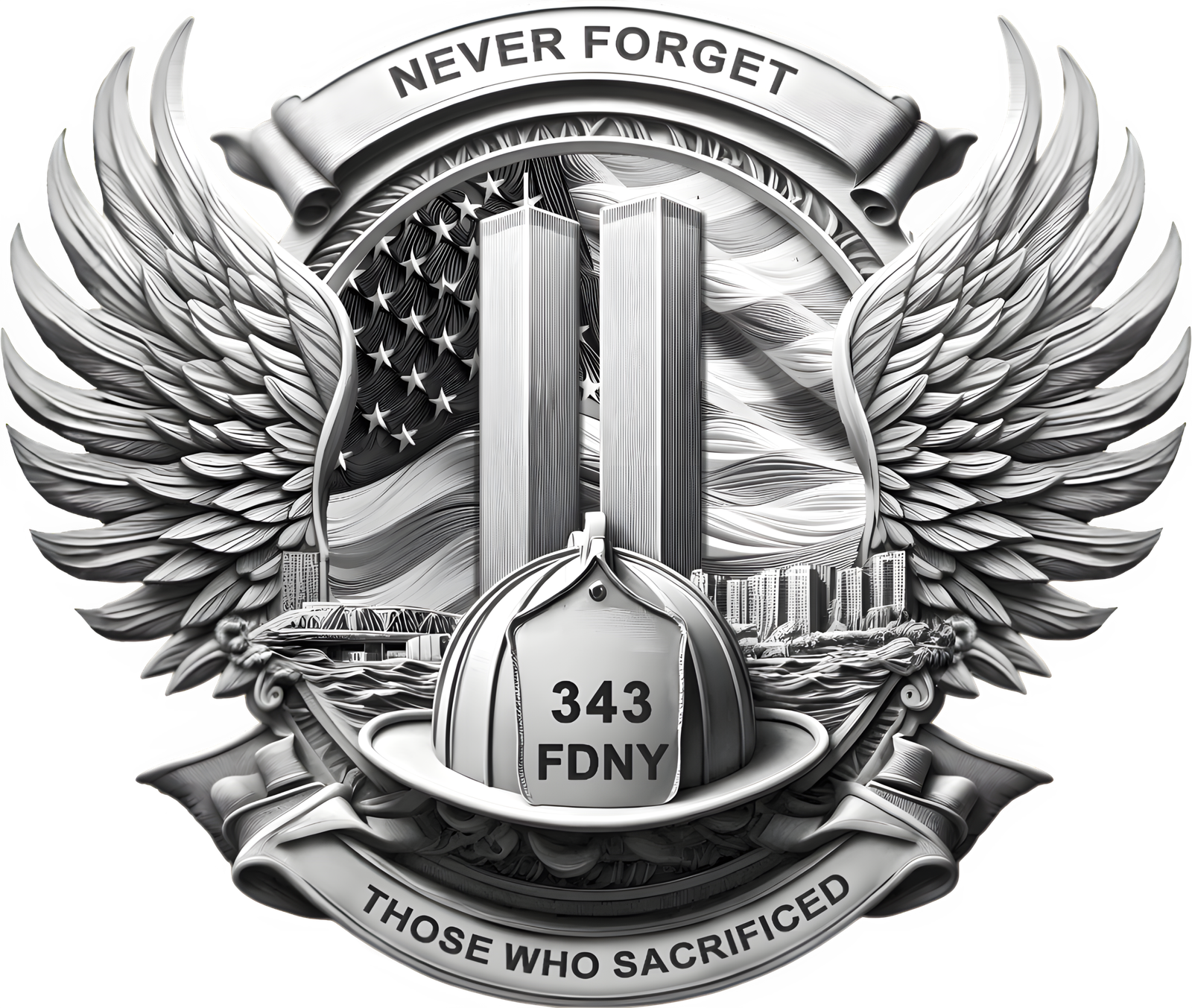
“The book helped me create a 3D illusion for my xTool laser using Studio. I highly recommend the book.”
“Good information and guidance. Easy to follow and understand for a beginner.”
“A very useful and easy to follow guide on getting much better results when laser engraving. I found it all very useful and appreciate the time that was put into creating this.”
“Very helpful. Helped me understand how to word things to get the same repeatable results.”
“I have never worked with prompts before and am just learning the capabilities of AI. The book has been extremely helpful in this learning process.”
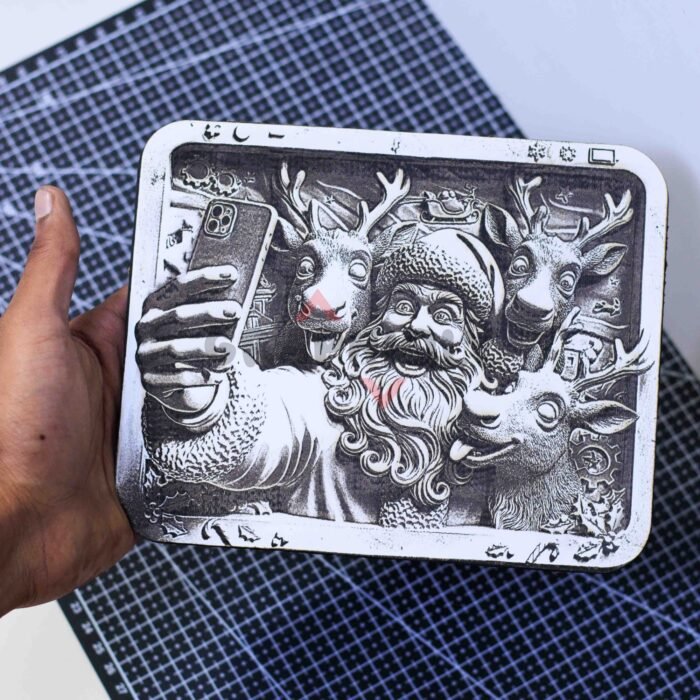
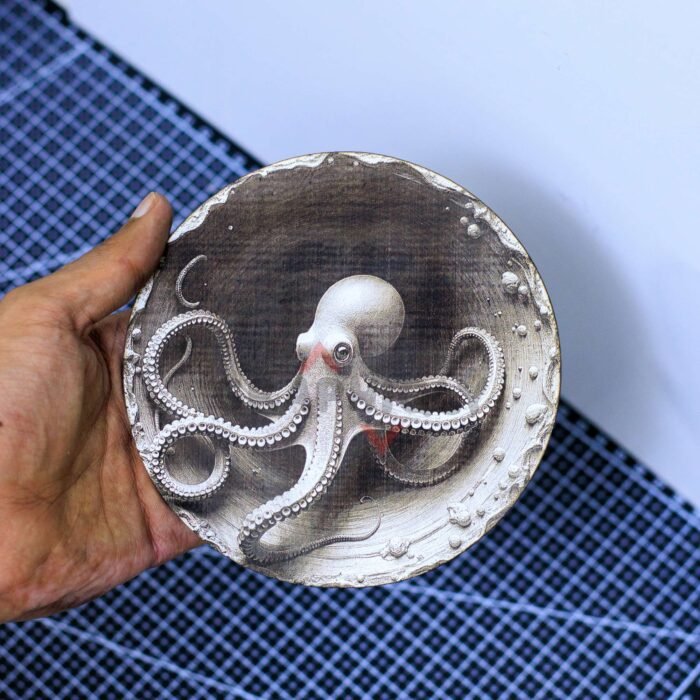
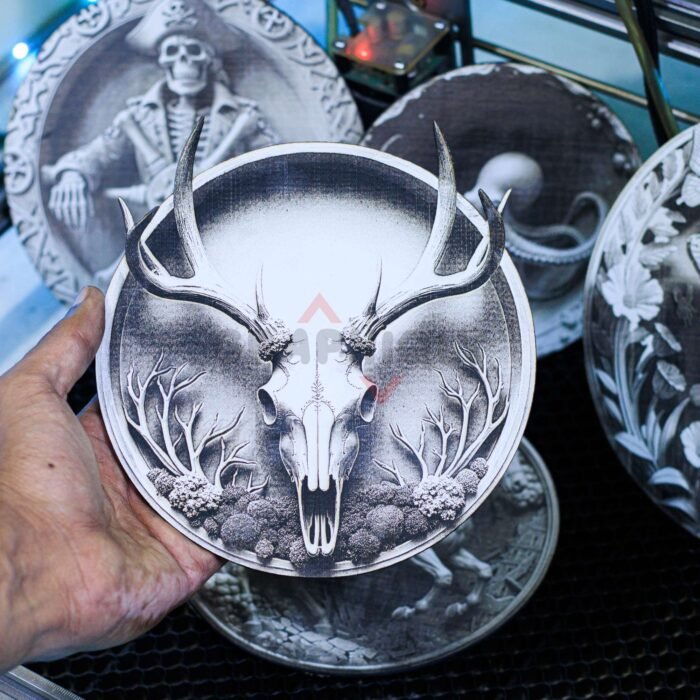
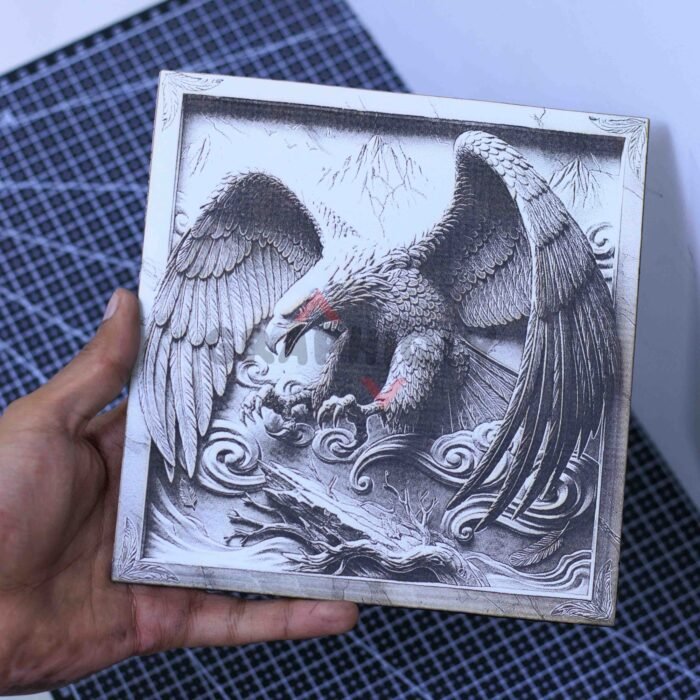
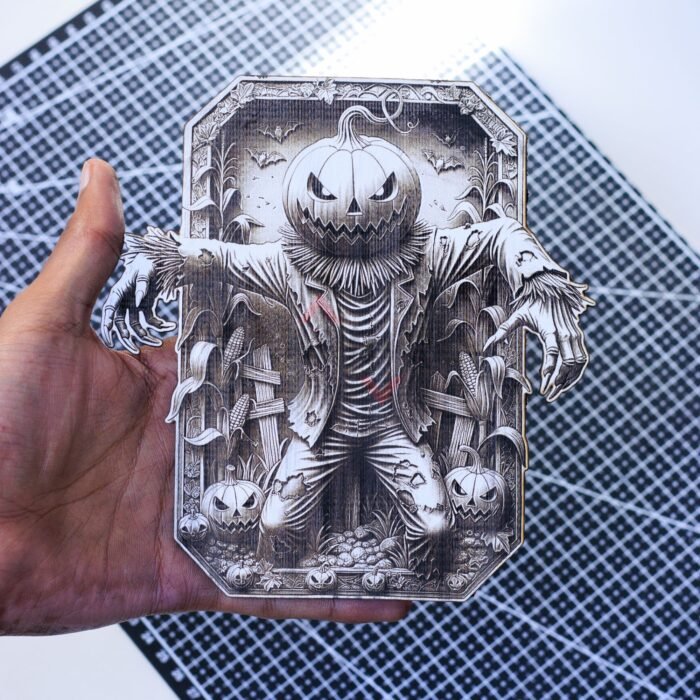
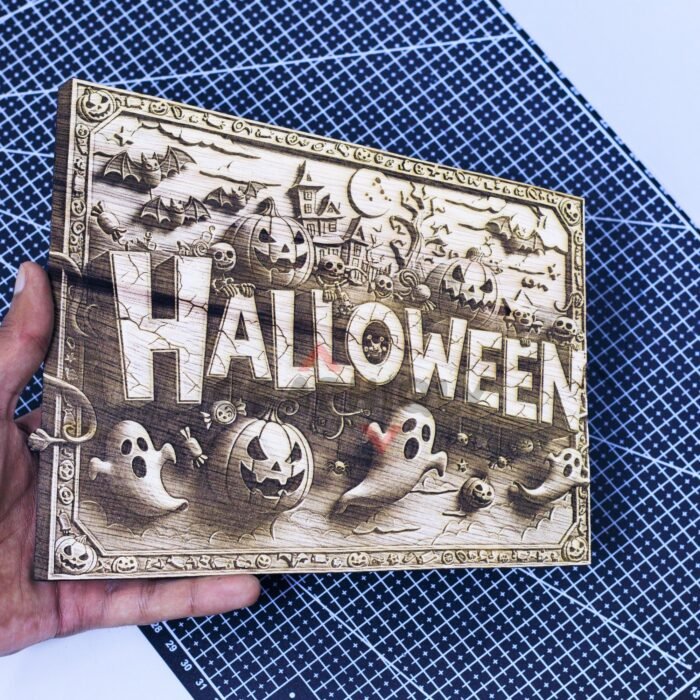
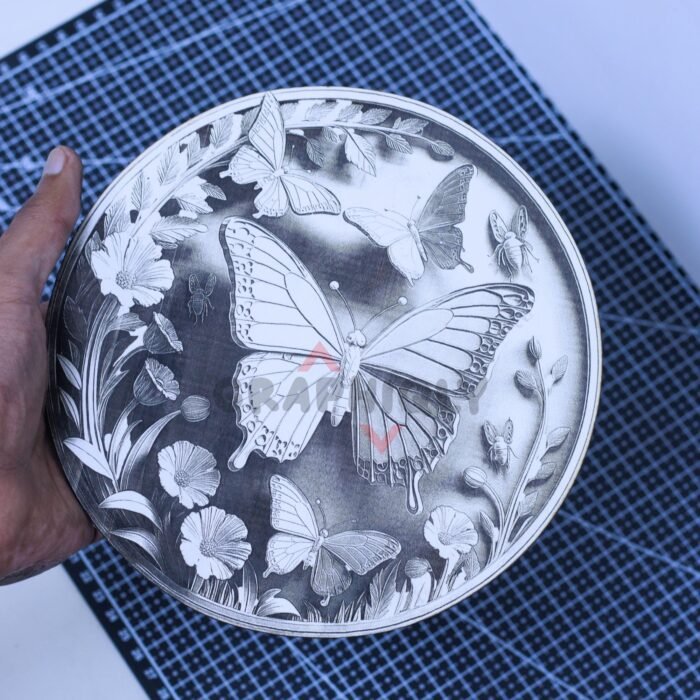
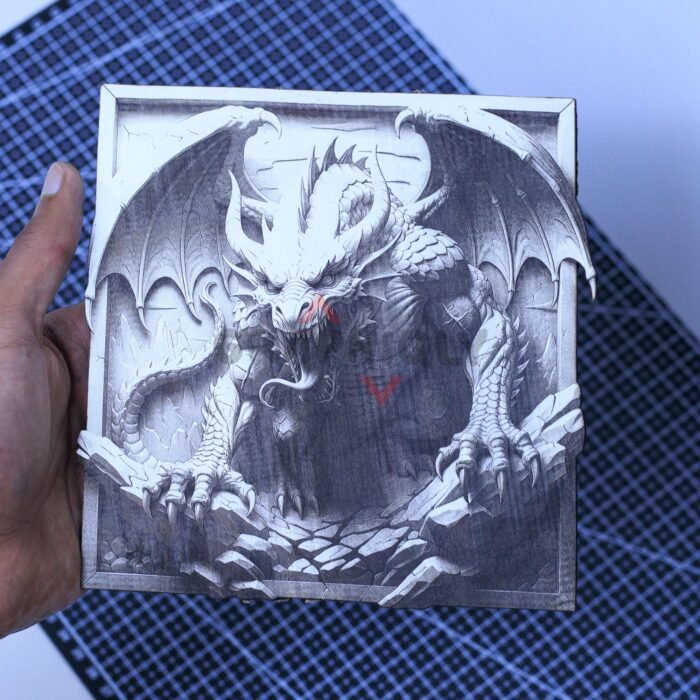
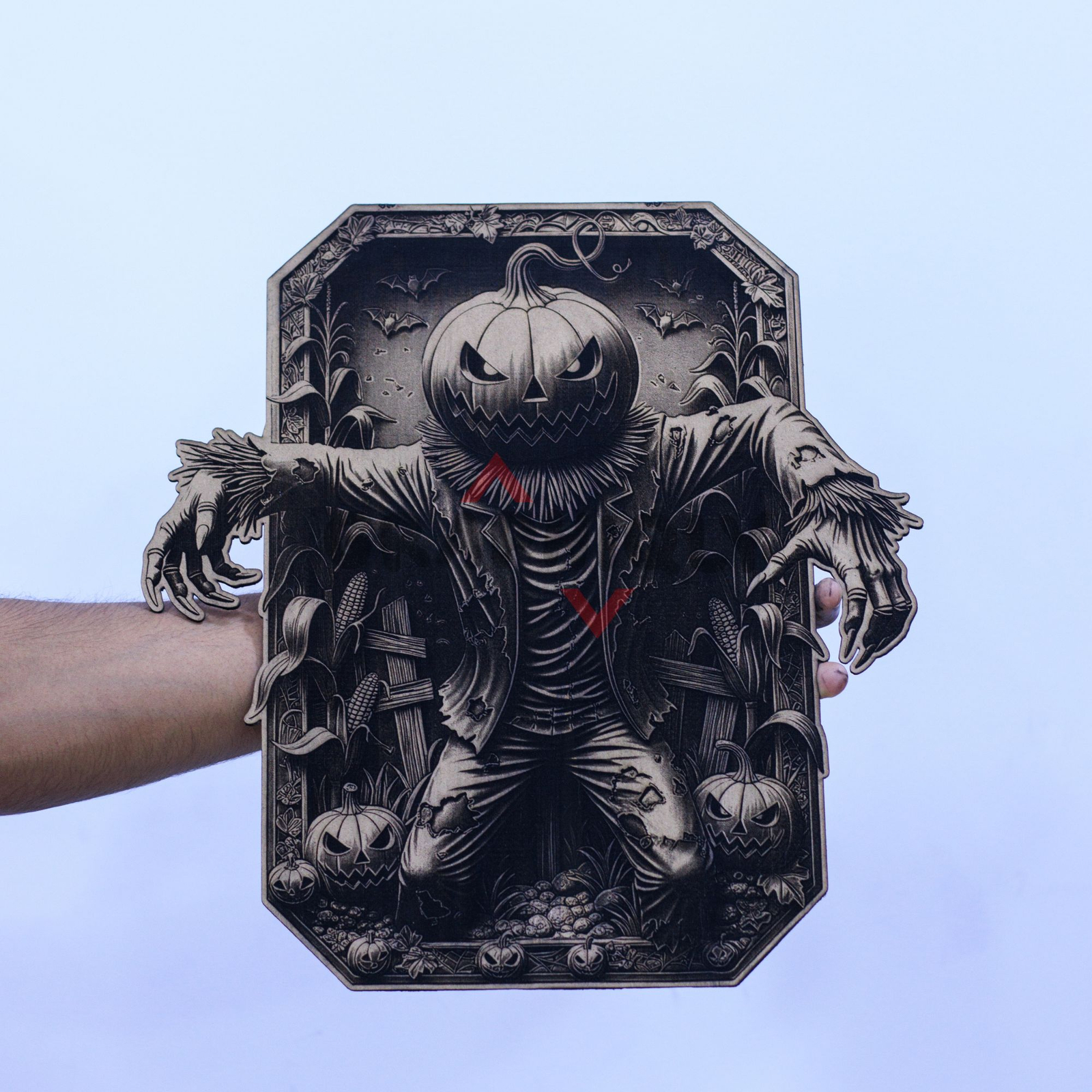
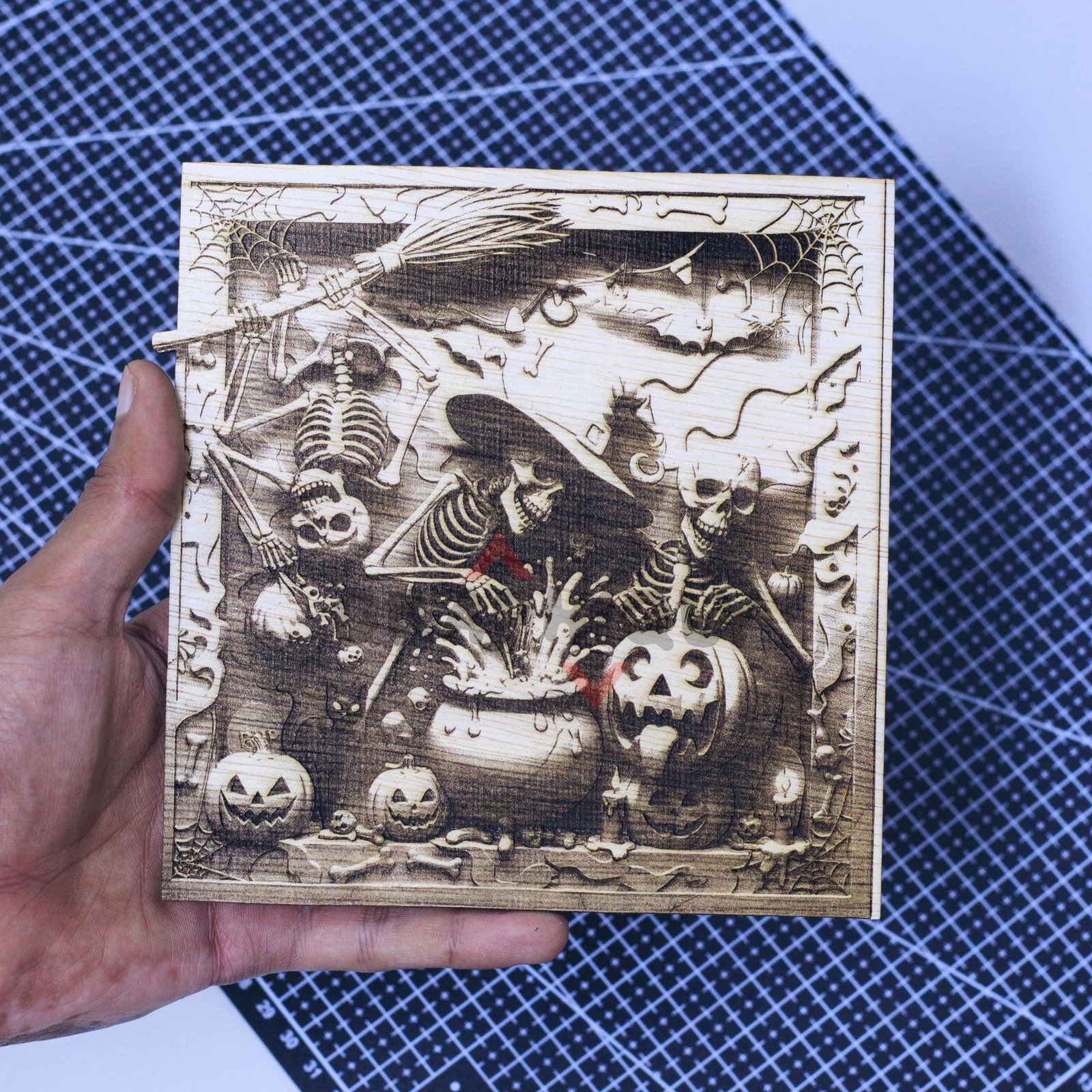
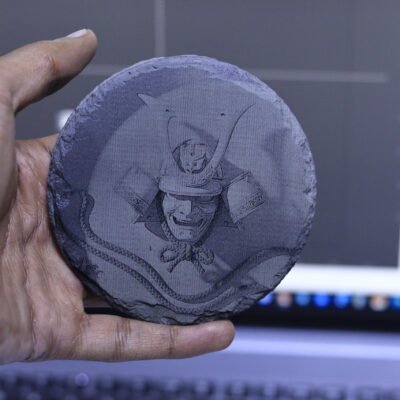
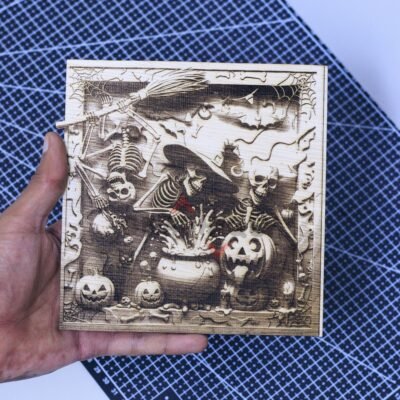
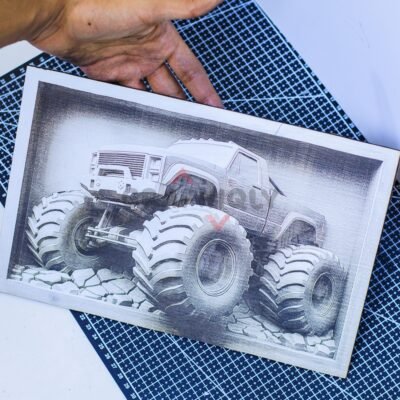
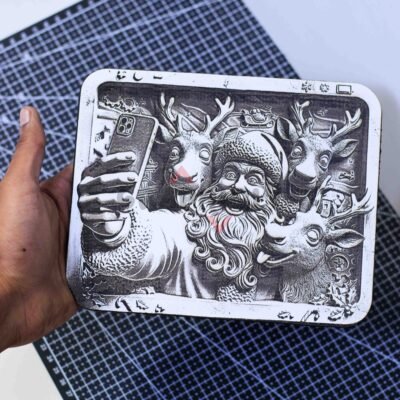
Learn the same workflow behind these flat engravings that look 3D.
Get Instant Access – $39.99Most Laser Owners Get Stuck Between Basic Designs and Guesswork
You can have a capable laser, good materials, and the right software — but still feel stuck making the same kind of basic projects over and over.
Maybe you’re new and you’re not sure what kind of images will actually engrave well. You don’t know what to adjust, why one design works better than another, or how to prepare the file before sending it to your machine.
Or maybe you already know your laser, but creating your own unique designs feels like the hard part. You can engrave files, but coming up with original 3D illusion-style artwork that looks clean, detailed, and impressive feels like a completely different skill.
And when you try to make something more eye-catching, the results can come out too dark, too light, muddy, flat, or nothing like the image you had in mind.
That’s not always a laser problem. Most of the time, the real problem is not having a clear workflow for choosing the right image, preparing it properly, and setting it up for engraving.
You Don’t Know What Will Engrave Well
Some images look great on screen, but once they hit the material, the details disappear, the shadows get too heavy, or the final piece loses the clean look you expected.
The Settings Start Feeling Random
Power, speed, DPI, brightness, contrast, material, software settings — there are so many things to adjust that it becomes hard to know what actually caused the problem.
Your Projects Still Look Too Basic
Even when the engraving works, the final result can still feel plain, flat, or similar to everything else you’ve already made.
The 3D Illusion Look Feels Hard to Create
You may have seen engravings that look raised, carved, and full of depth — but creating that style yourself is difficult when you don’t know how the image needs to be generated, prepared, and set up.
That’s Why This Course Teaches the Full Workflow
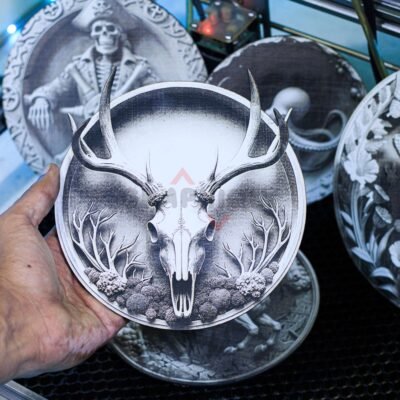
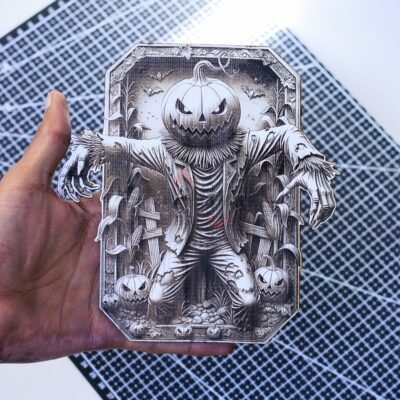
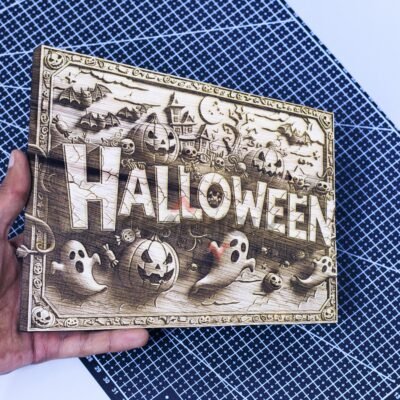
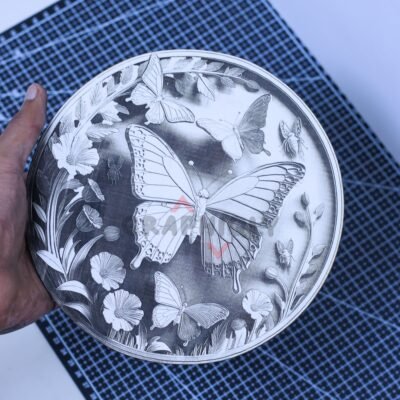
Not just random prompts. Not just random settings. You’ll learn how to come up with stronger ideas, use AI prompt templates to create 3D illusion-style designs, choose images that are more likely to engrave well, prepare them for laser engraving, remove backgrounds, create cut outlines, and set everything up inside your laser software step by step.
So whether you’re just getting started or you already know your machine, you’ll have a clearer process for creating more unique engravings and getting better results from the laser you already own.
⏰ Limited-time offer: Get 7 exclusive, ready-to-engrave Designs FREE with your course
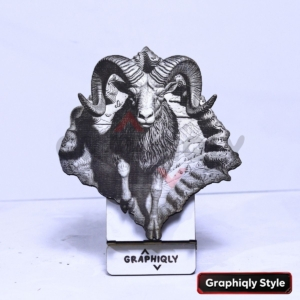
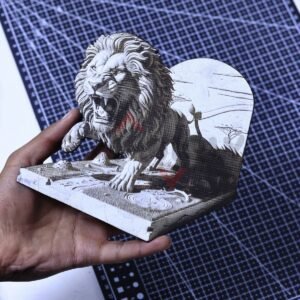
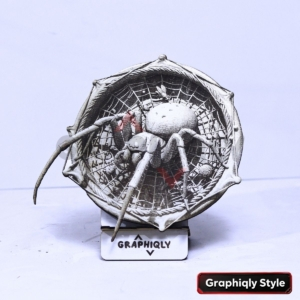
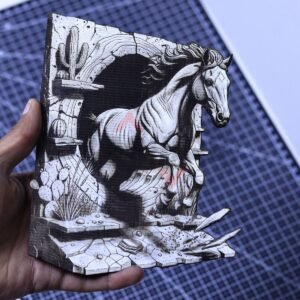
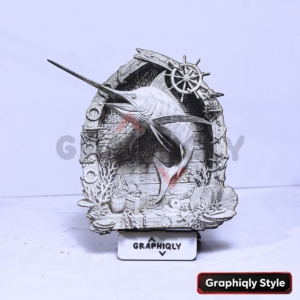
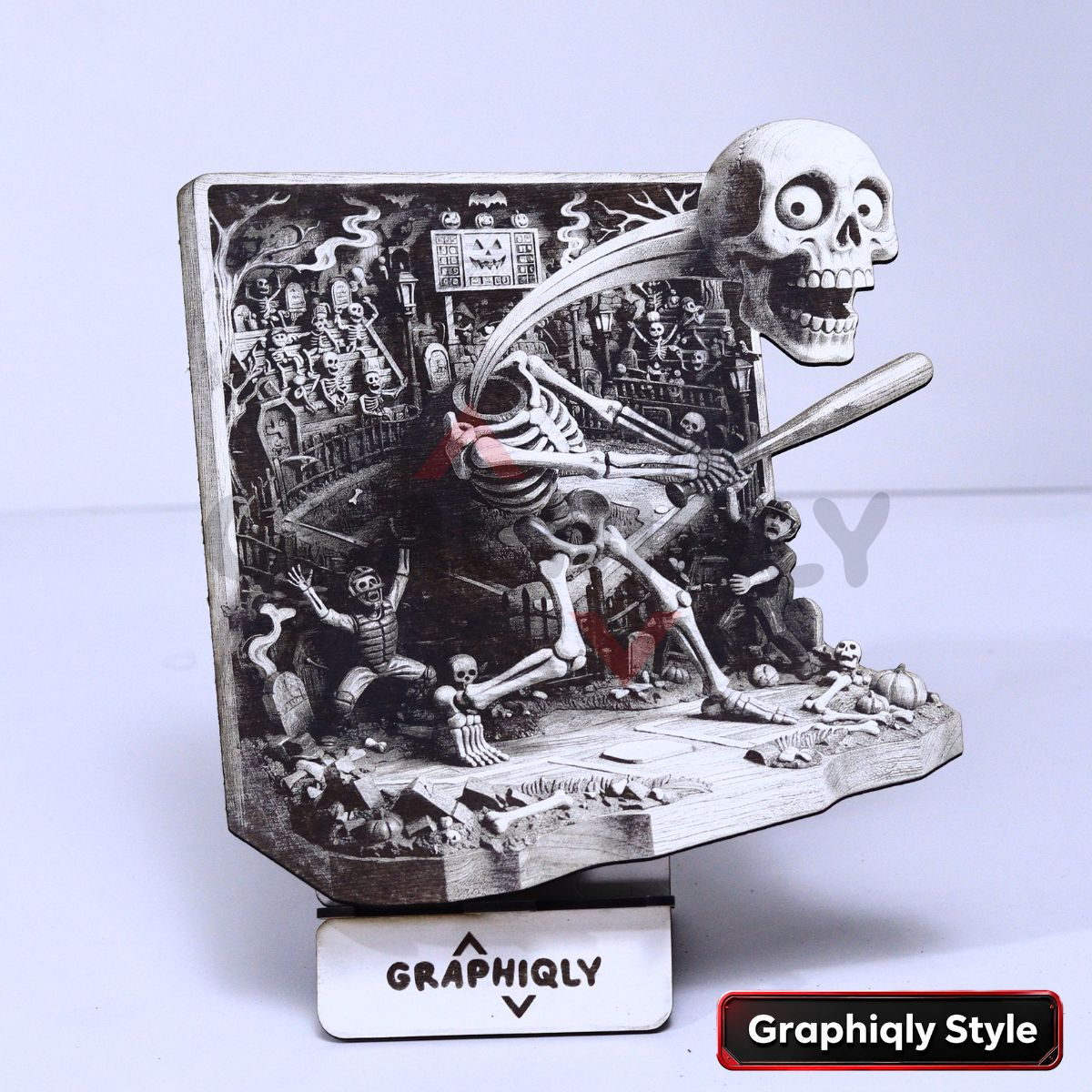
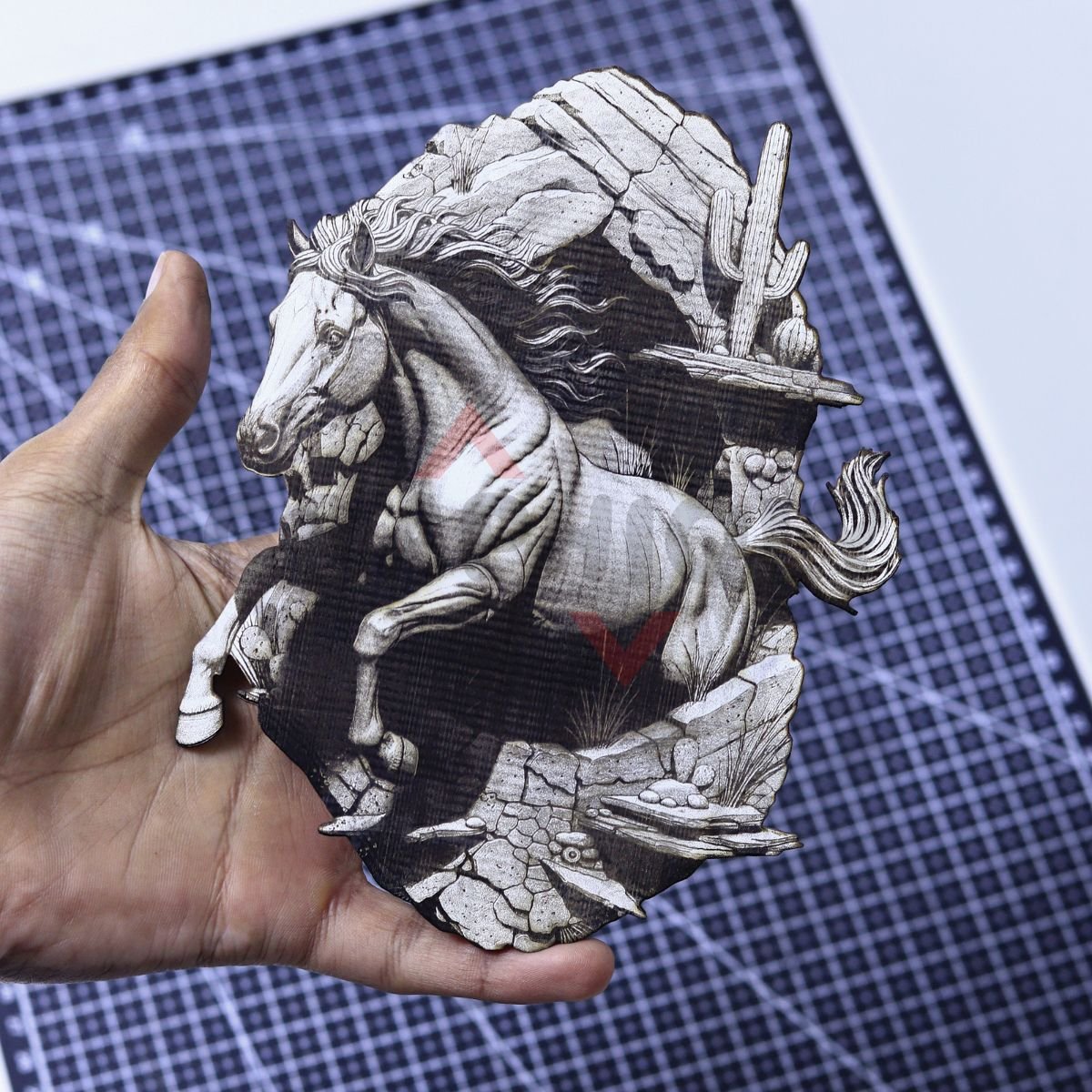
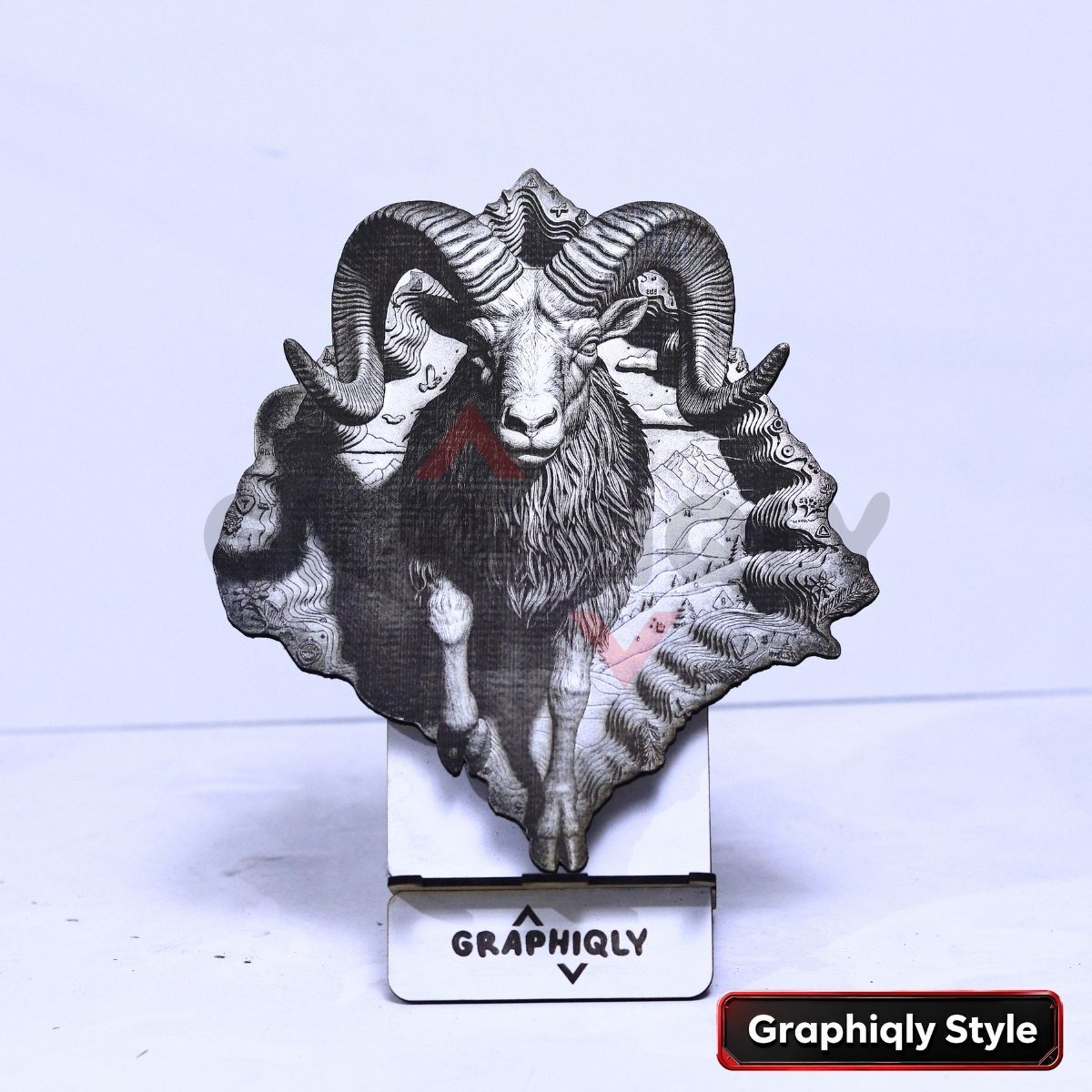
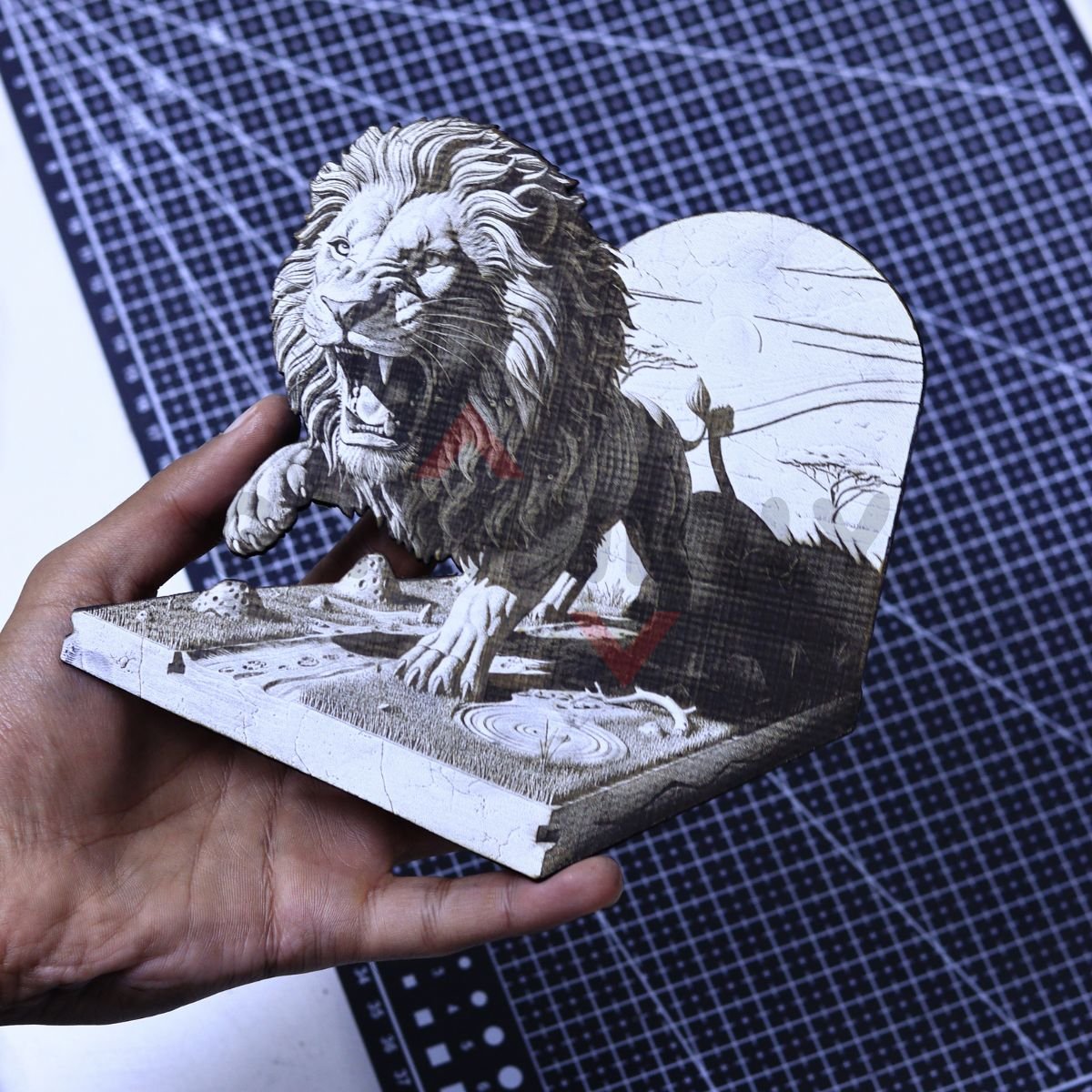
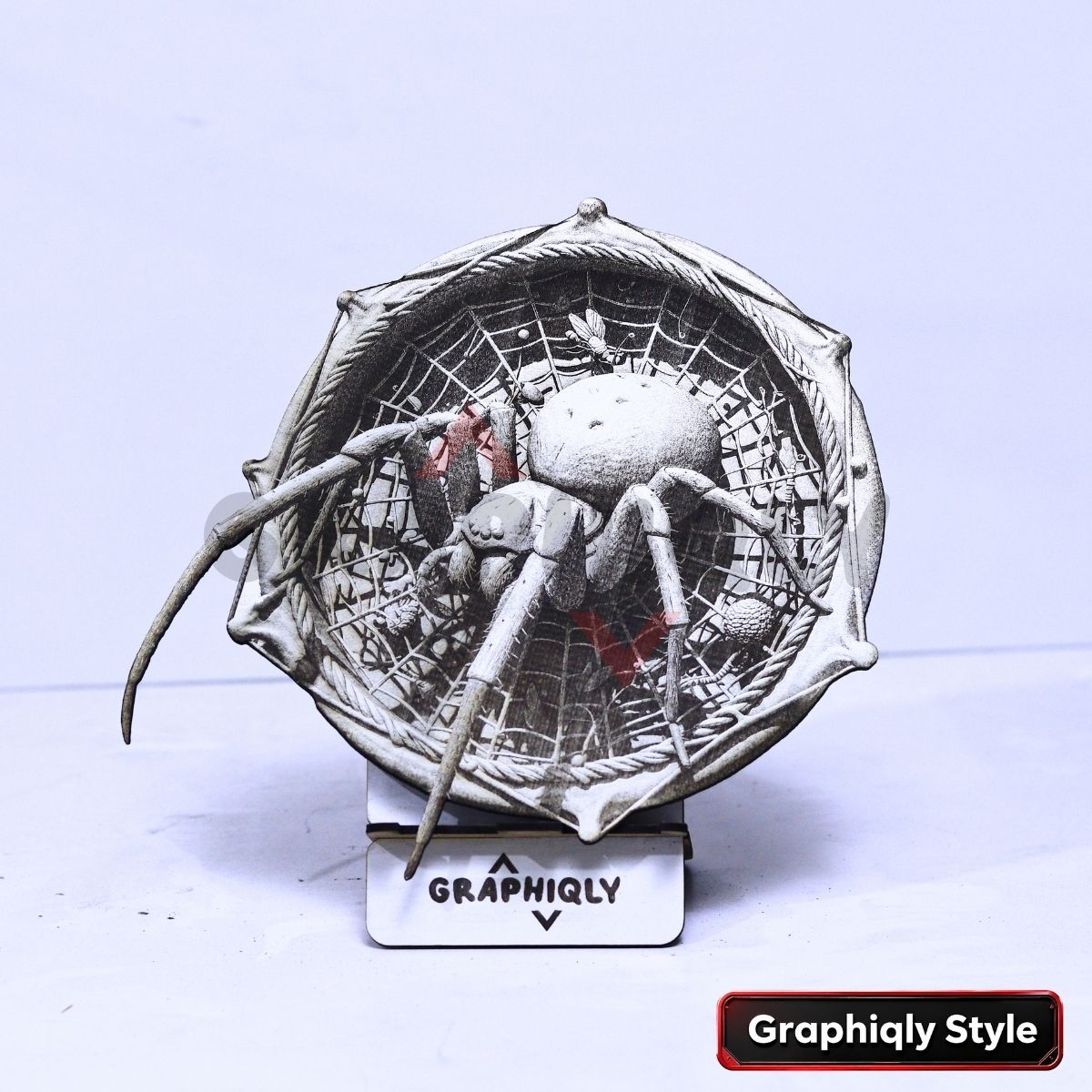
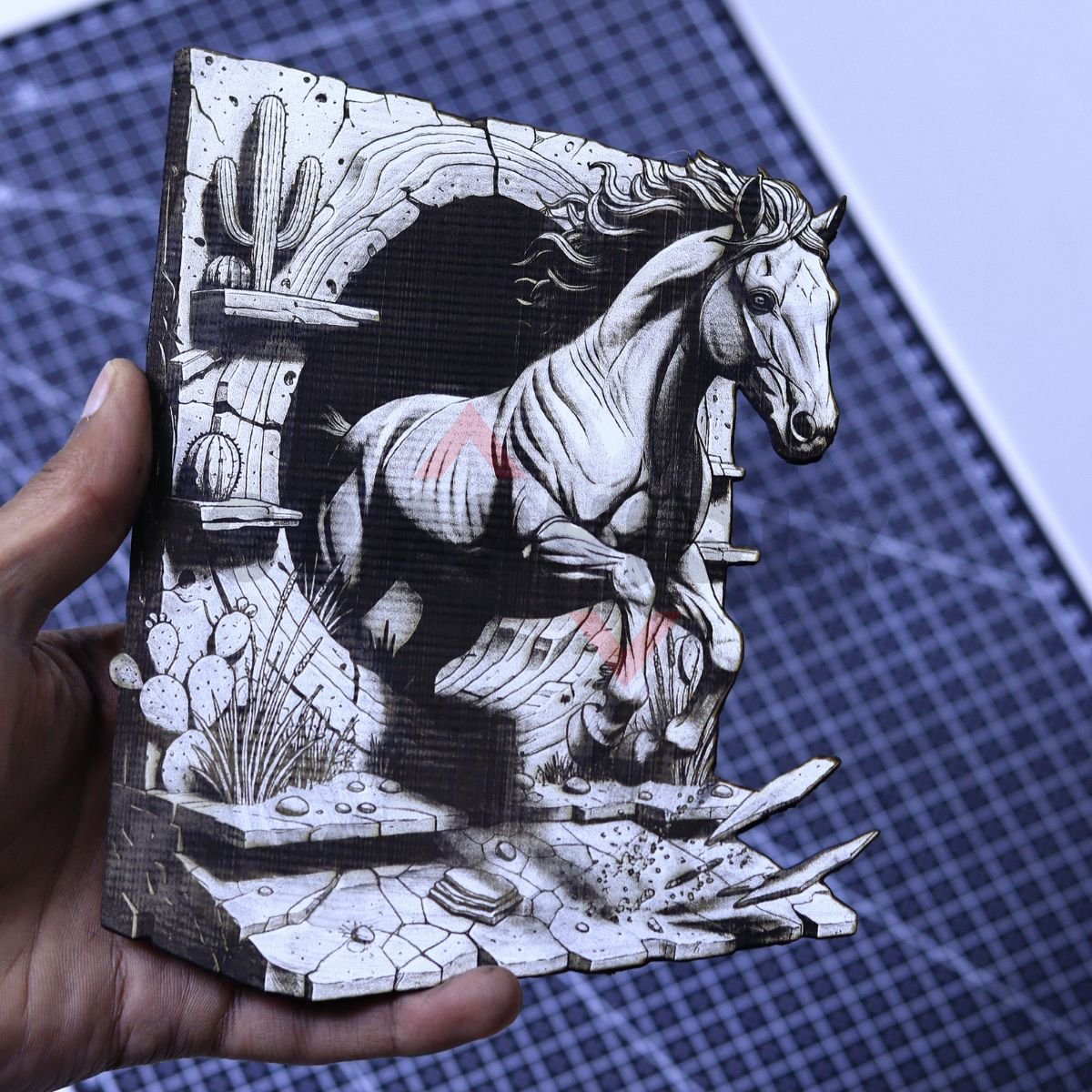
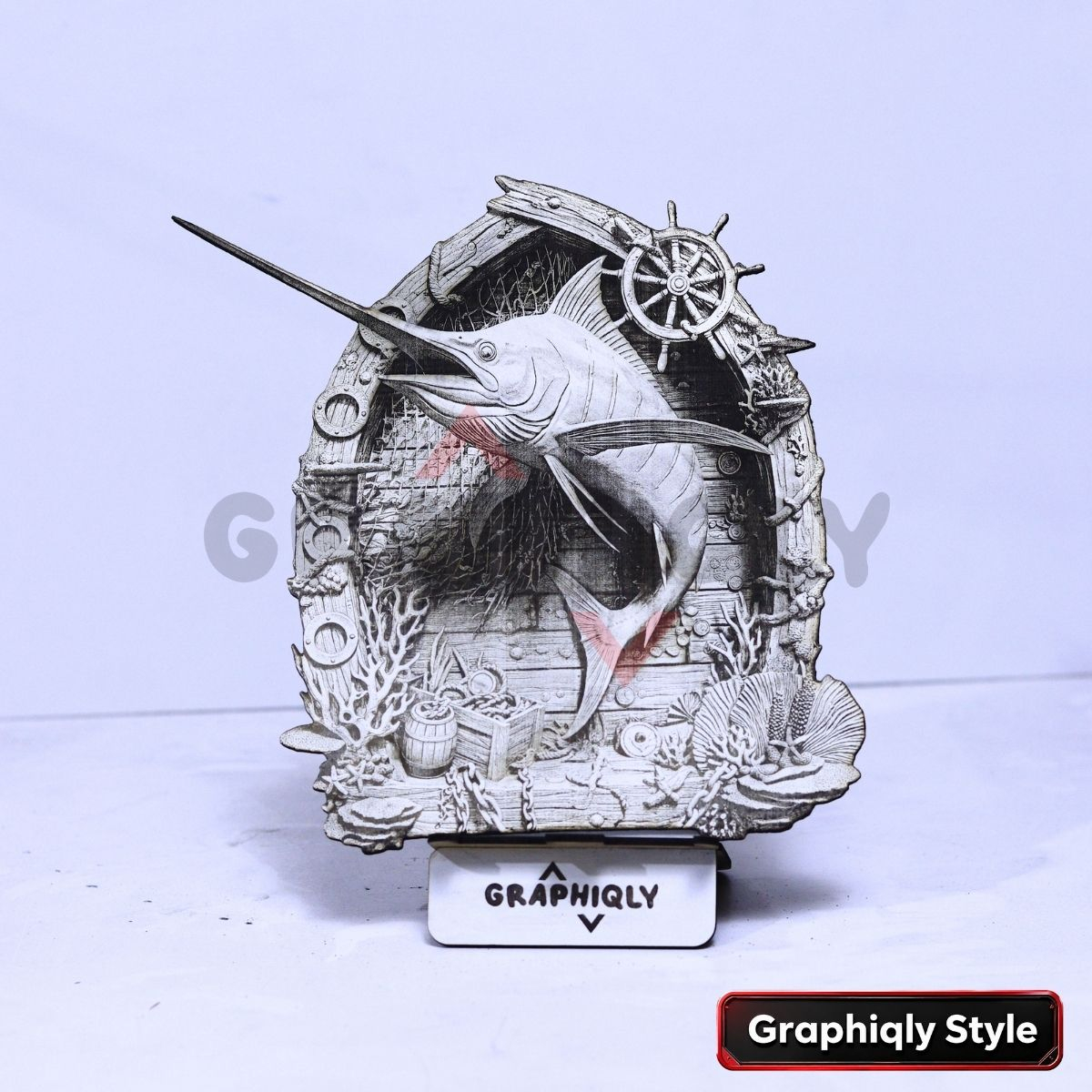
File formats included:
All designs come in multiple formats — PNG, BMP, SVG, XCS, LBRN2, and WWS — so you can use them with LightBurn, xTool studio, WeCreate, and other laser software.
One-time payment. No subscriptions.
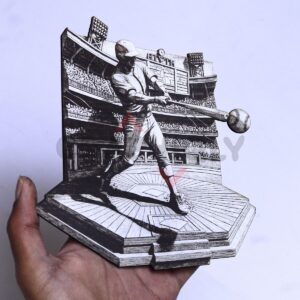
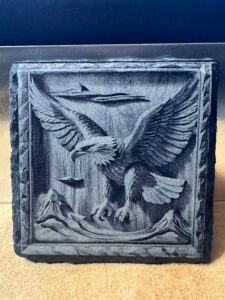
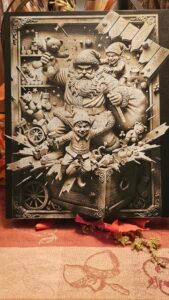
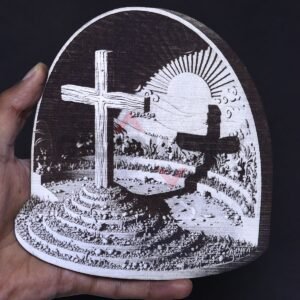
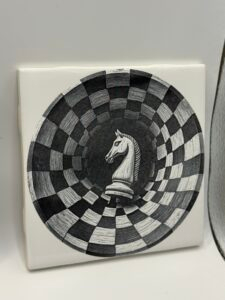
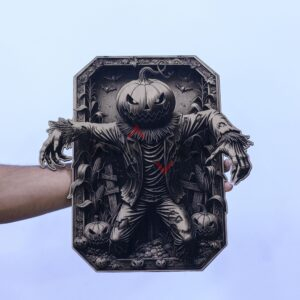
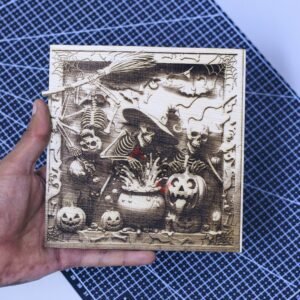
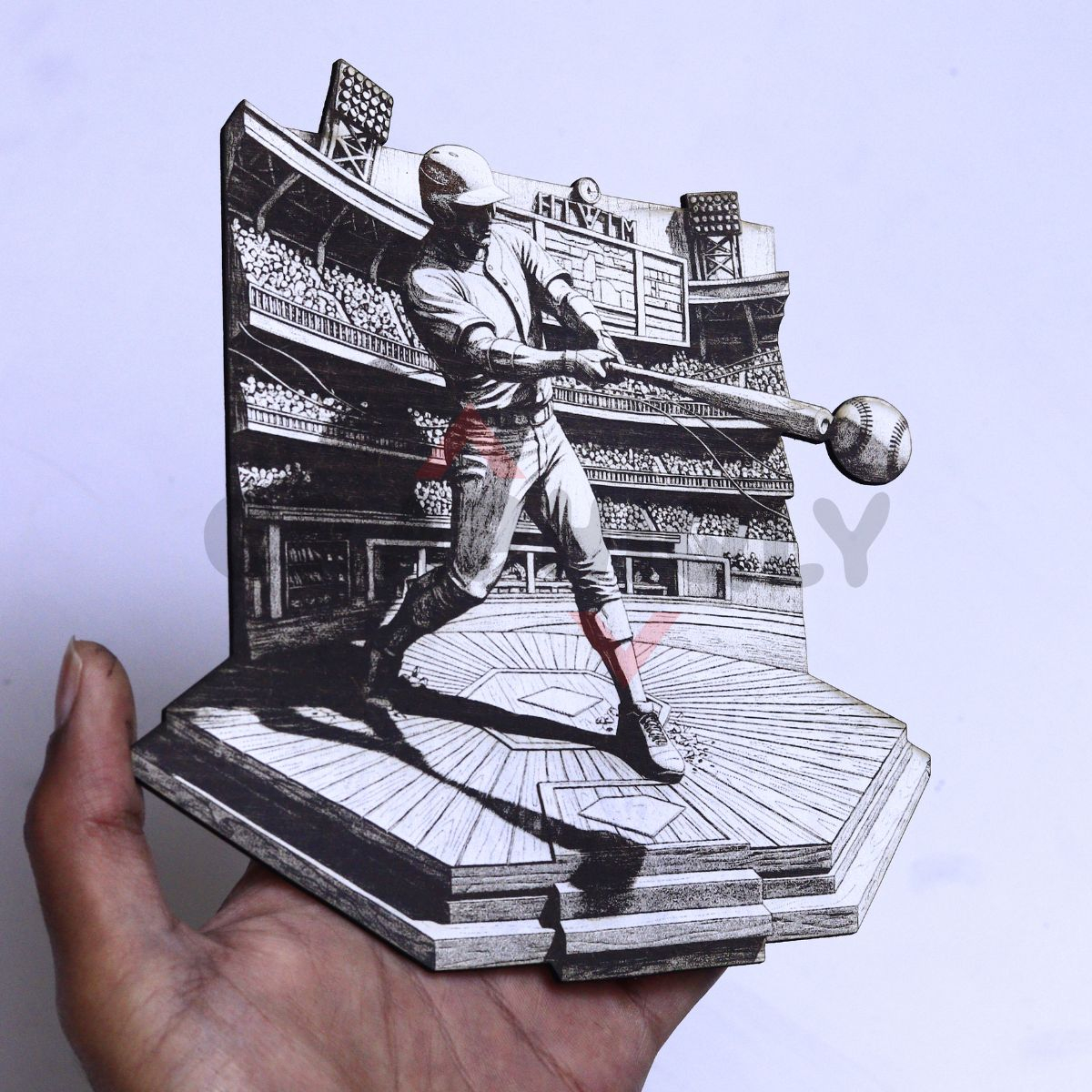
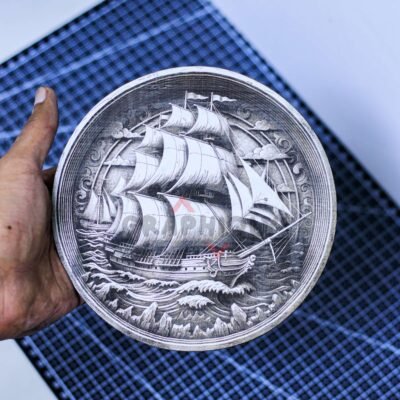
Use the same method on different materials
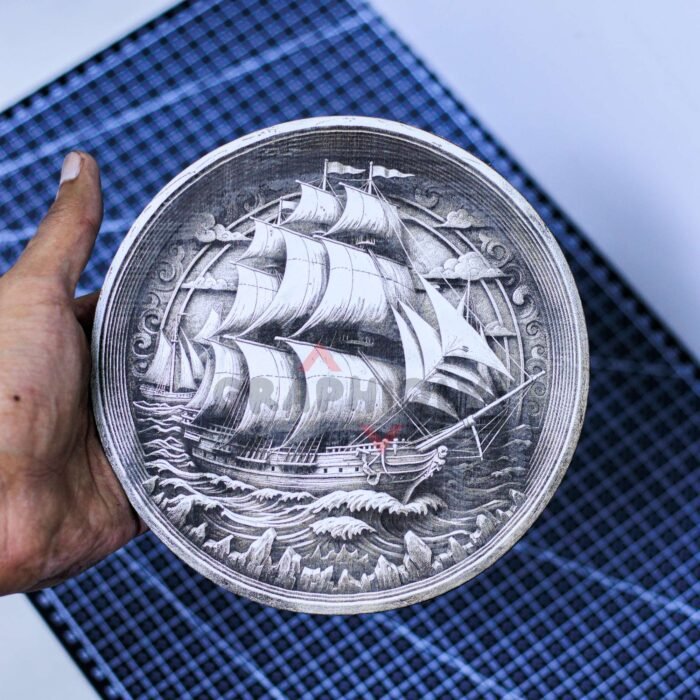
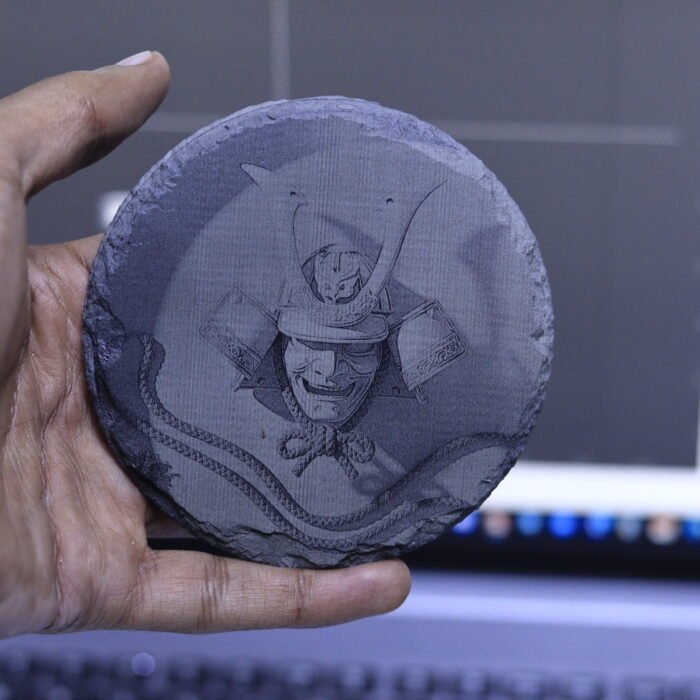
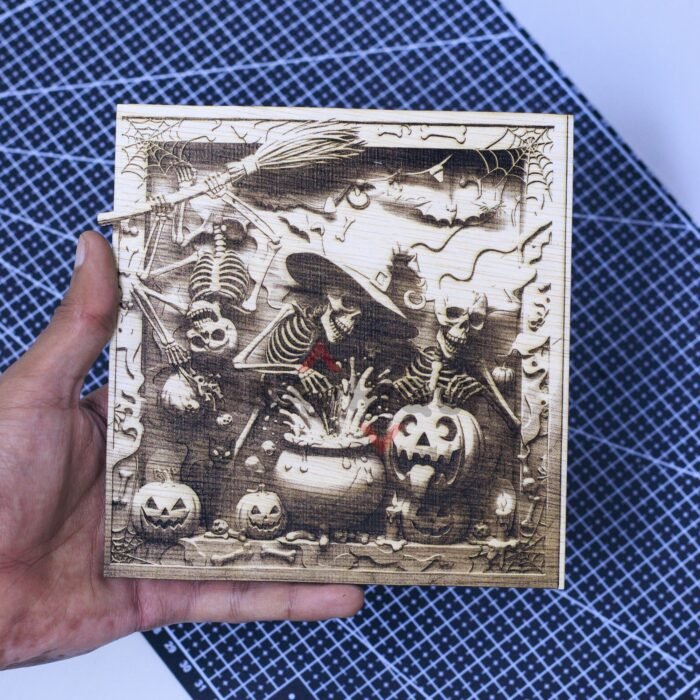
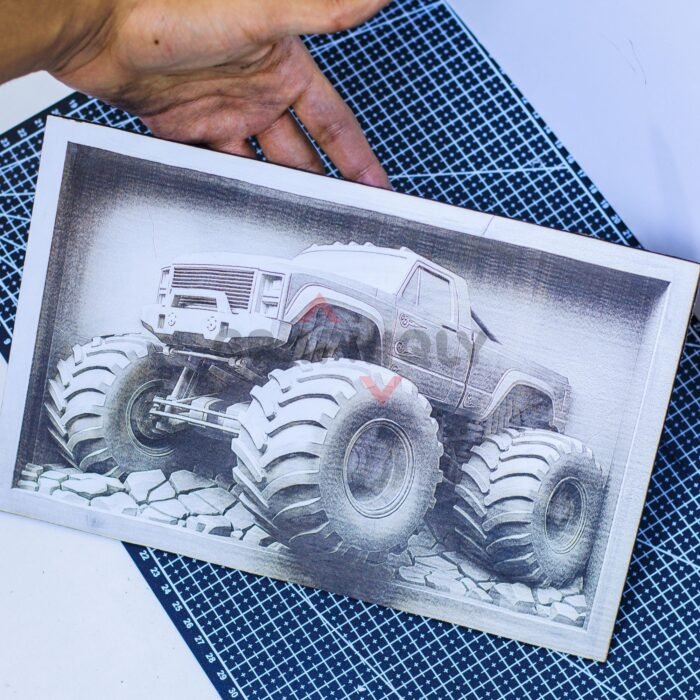
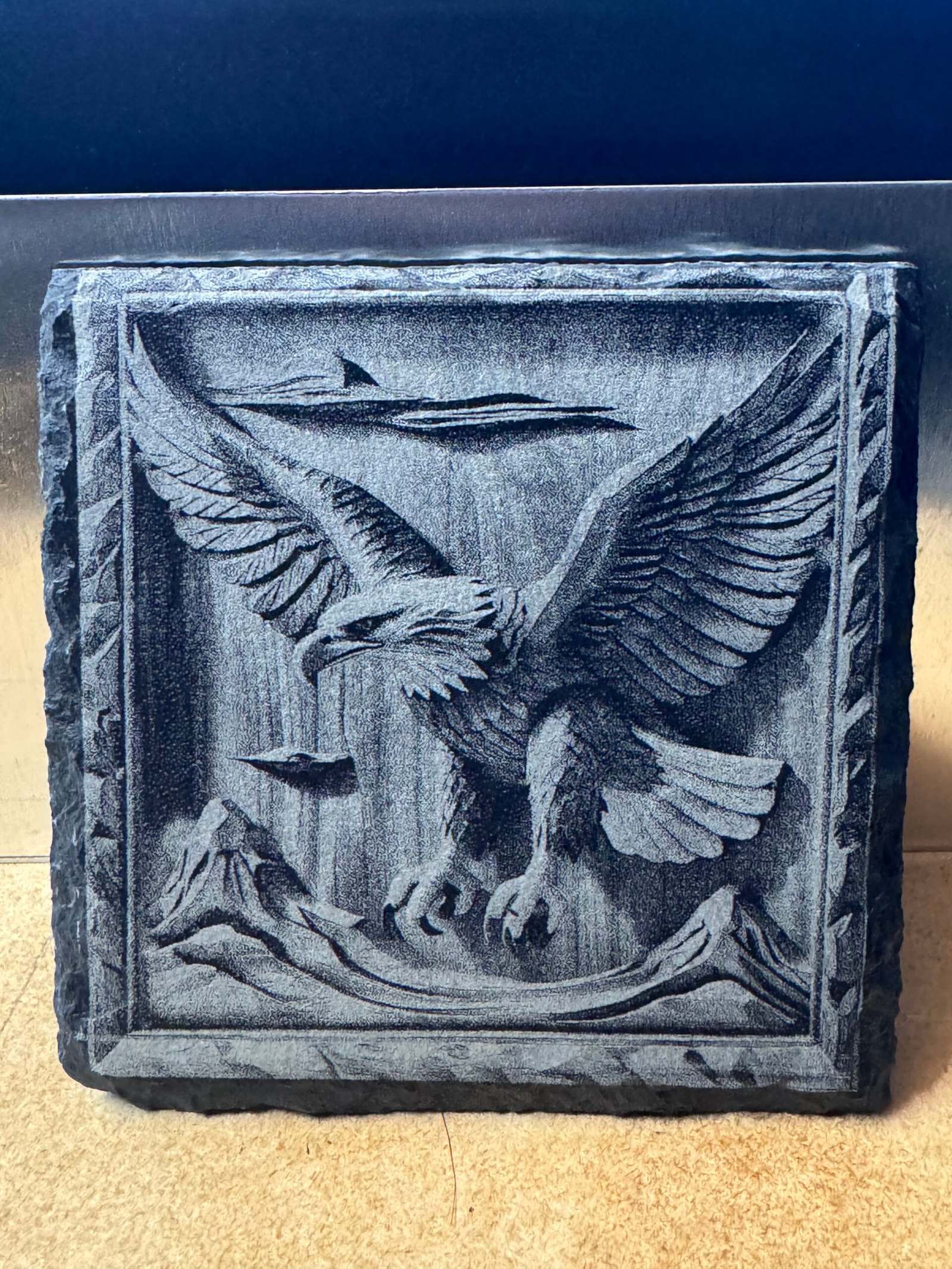
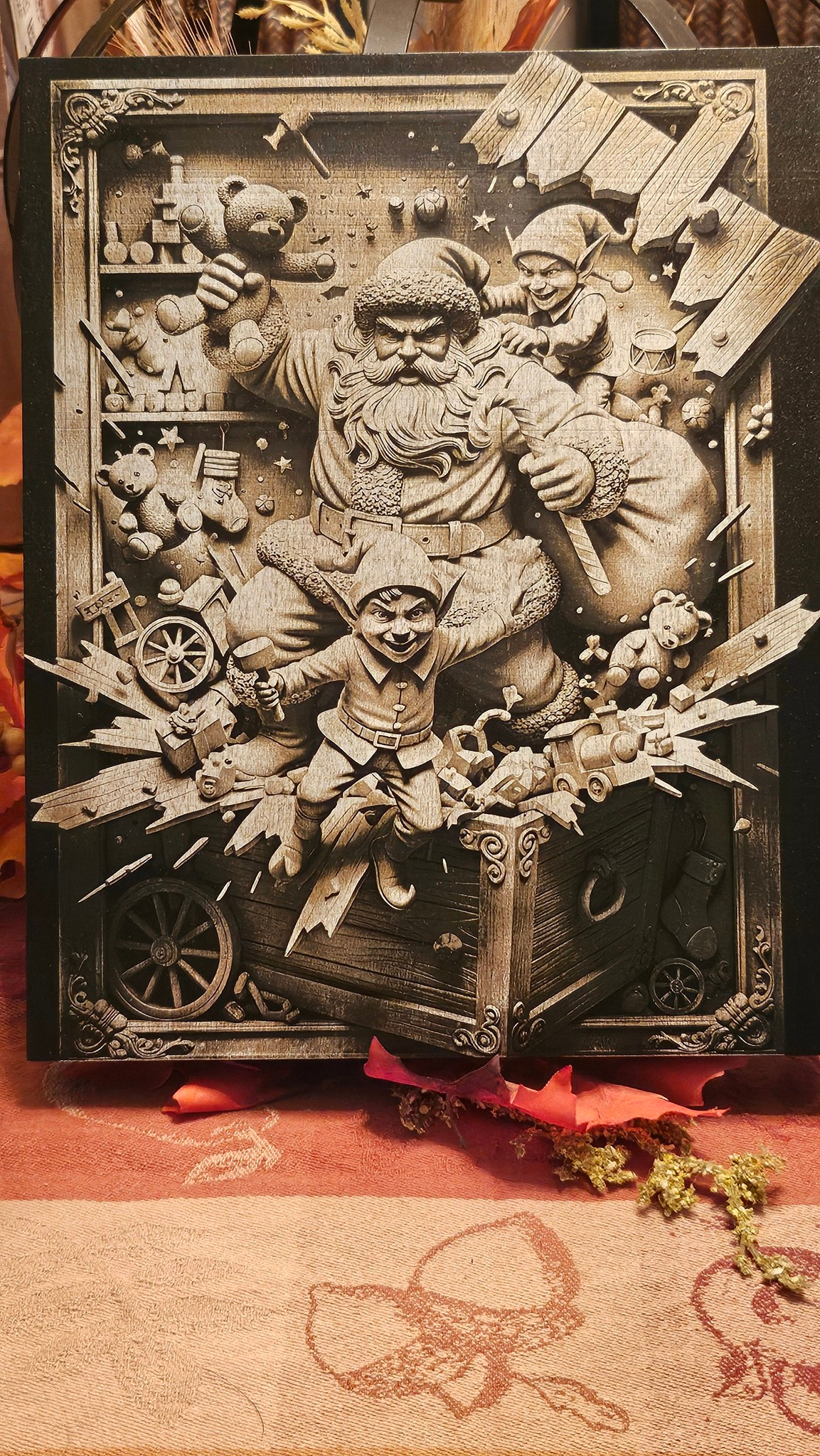
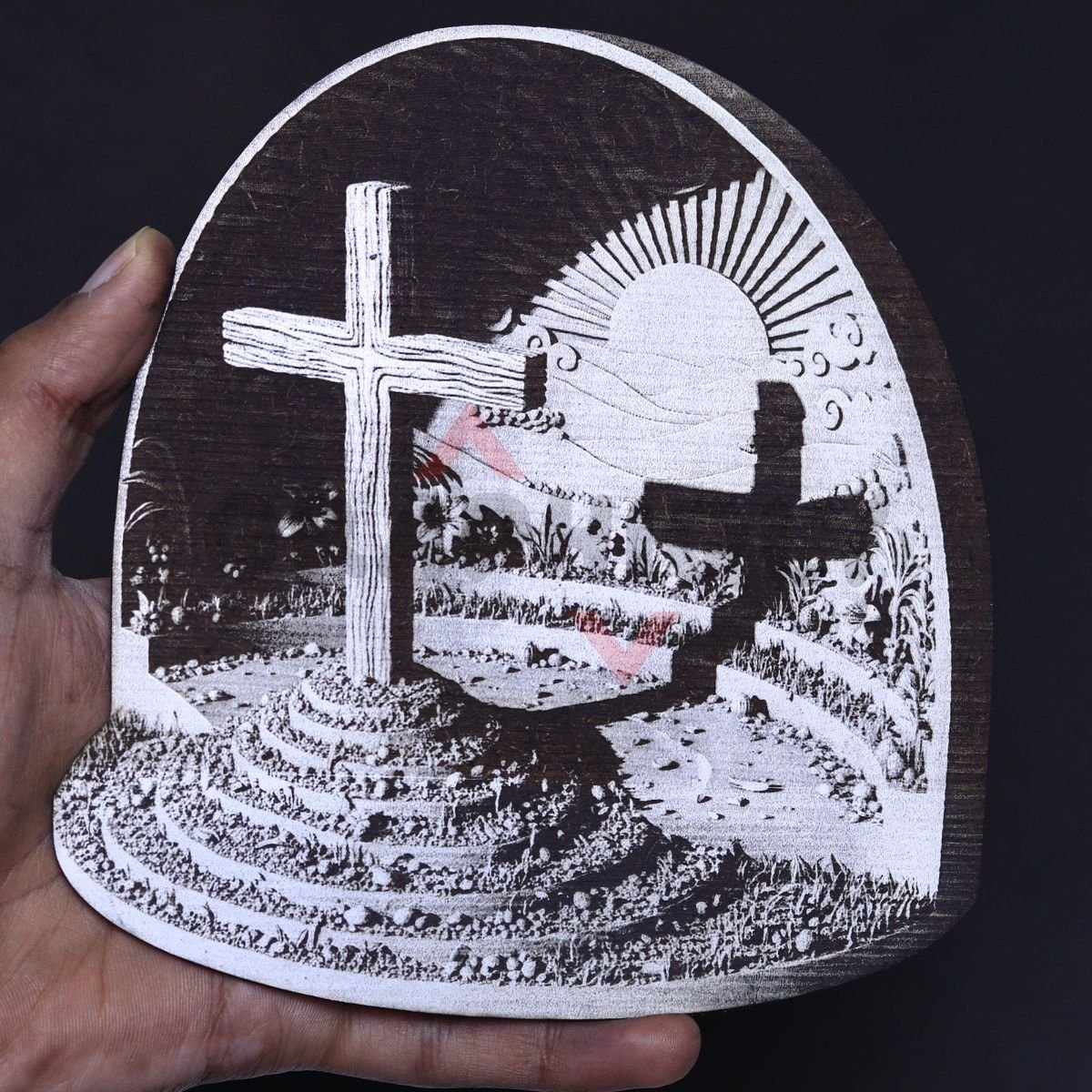
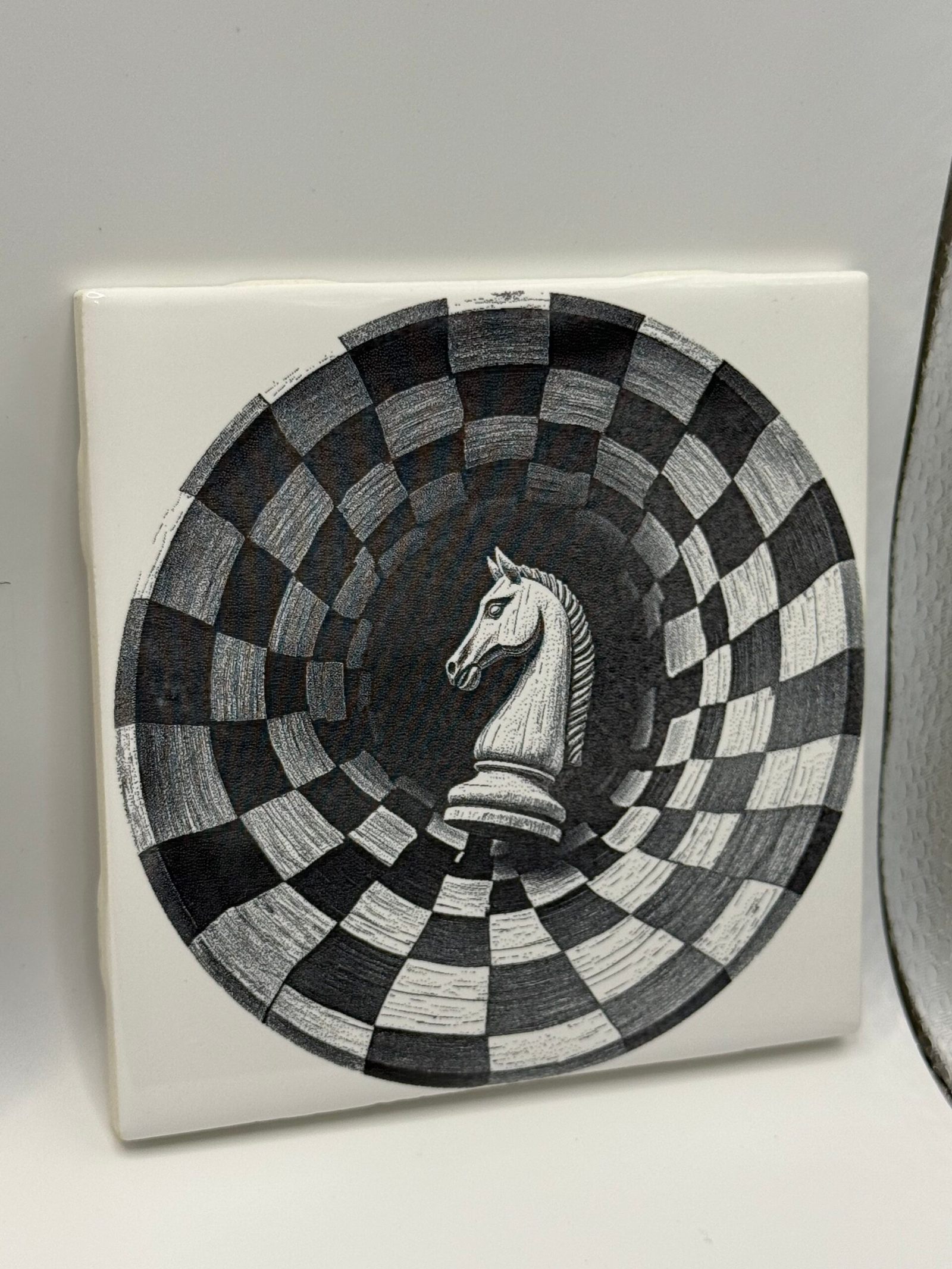
WHAT YOU’LL LEARN INSIDE THE COURSE
A 70+ page step-by-step PDF course for laser owners, with supporting video tutorials inside to help you follow the workflow from idea, to AI image, to laser-ready file.
Prompt Templates for Unlimited Designs
Learn how to use reusable prompt templates to create new 3D illusion engraving ideas again and again, without starting from scratch every time.
Generate Images With Free AI Tools
Follow the process for turning your ideas into 3D illusion-style images using free AI tools, even if you don’t have drawing or design experience.
Know What Will Engrave Well
Learn how to choose stronger images, avoid poor results, and understand what makes a design more likely to engrave cleanly on your laser.
Prepare Images for Laser Engraving
See how to clean up your image, remove the background, prepare it for engraving, and create the cut outline for the final shape.
Software Workflow Made Easy
Follow clear PDF lessons and supporting videos for common laser software like LightBurn, xTool Studio, so your files are easier to engrave and cut.
PDF Lessons, Video Tutorials + Premium Starter Designs
Follow the full workflow inside the PDF course, use the included video tutorials for key steps, and start right away with premium 3D illusion designs included.
Why Limit Yourself? Go as Big as You Want
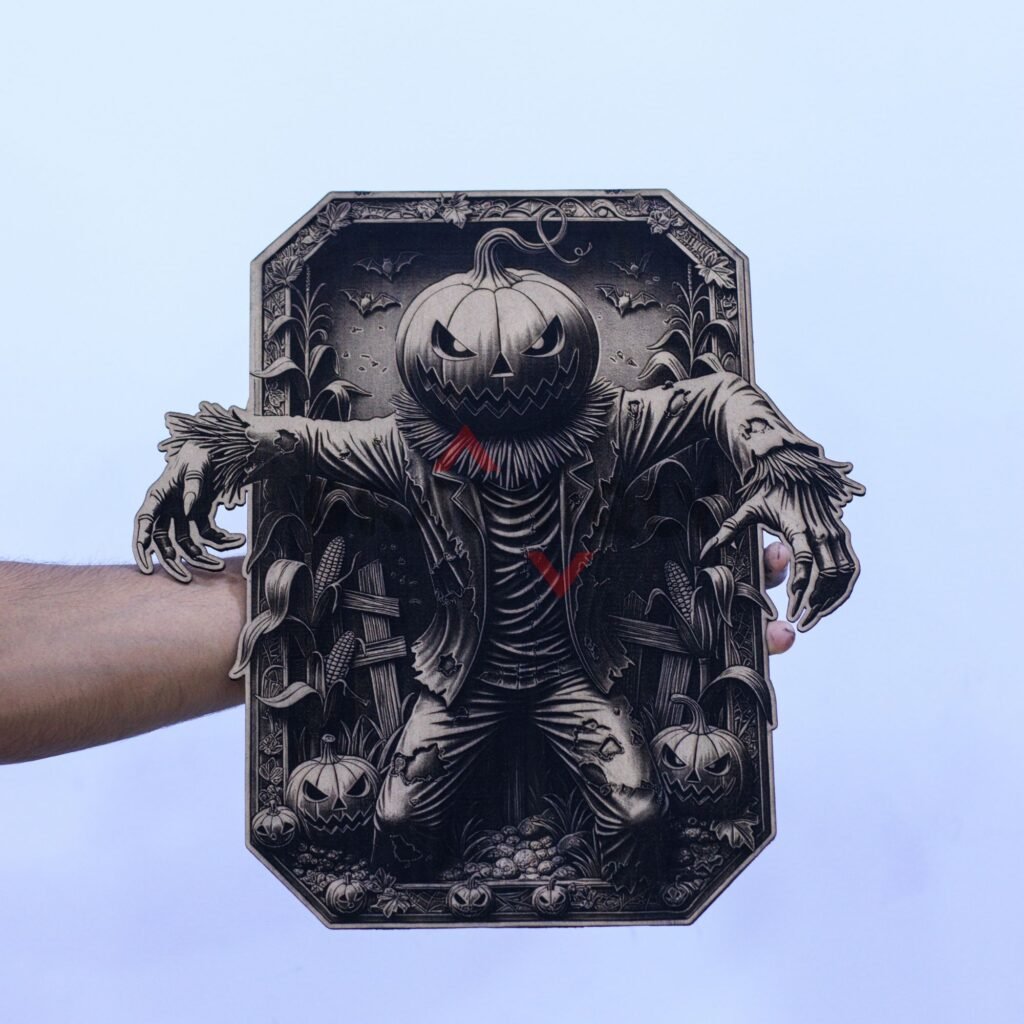
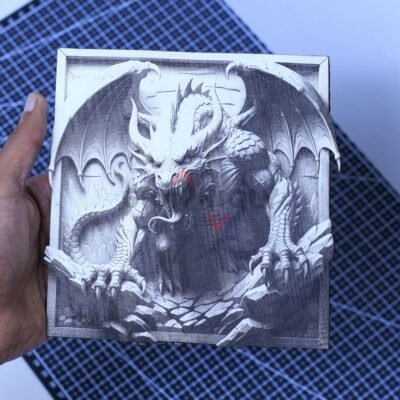
You’re not limited to small pieces — you can create large, eye-catching 3D illusions for walls, displays, or custom projects. Whether you want something small for gifts or a big centerpiece, once you learn the process, you can scale it up to any dimension you want.


Get Instant Access Today for Just $39.99
Unlock the complete step-by-step system for creating 3D illusion laser engraving designs using free AI tools. Over 70+ pages of detailed guidance — yours for a one-time payment.
⇩ Download Now ⇩7-Days Money Back Guarantee
Try the course 100% risk-free. If you’re not completely satisfied, email us within 7 days and we’ll refund your purchase.
Frequently Asked Questions
Not at all. The guide is written to walk you through each step — from crafting prompts to preparing designs for engraving on your machine. We include sample prompts and clear screenshots so you can follow along even if you’re brand new to design.
That’s completely fine. The course is made to walk you through the AI part step by step, even if you’ve never used AI tools before. You’ll get reusable prompt templates, examples, screenshots, and supporting video tutorials so you don’t have to figure everything out from scratch.
Yes. The course isn’t tied to any specific brand of laser. You’re learning how to create and prepare 3D-illusion images that can be engraved on almost any machine — whether it’s a CO₂, diode, or fiber laser.
Immediately after purchase you receive an instant download link for the PDF and bonus designs. We recommend saving the files and backing them up somewhere safe.
Yes — personal and small-business commercial use is allowed, but redistribution or reselling of the PDF or source files themselves is prohibited.
If you get stuck, you can always reach out. The easiest way is to reply to your order email or email contact@graphiqly.com. I read every message myself and do my best to help with settings, workflow steps, or file access.